For small and mid-sized businesses (SMBs), managing devices, users, and security can quickly become overwhelming—especially…
The Benefits of Managed IT Services for Doctors Offices
Updated: June 1, 2026
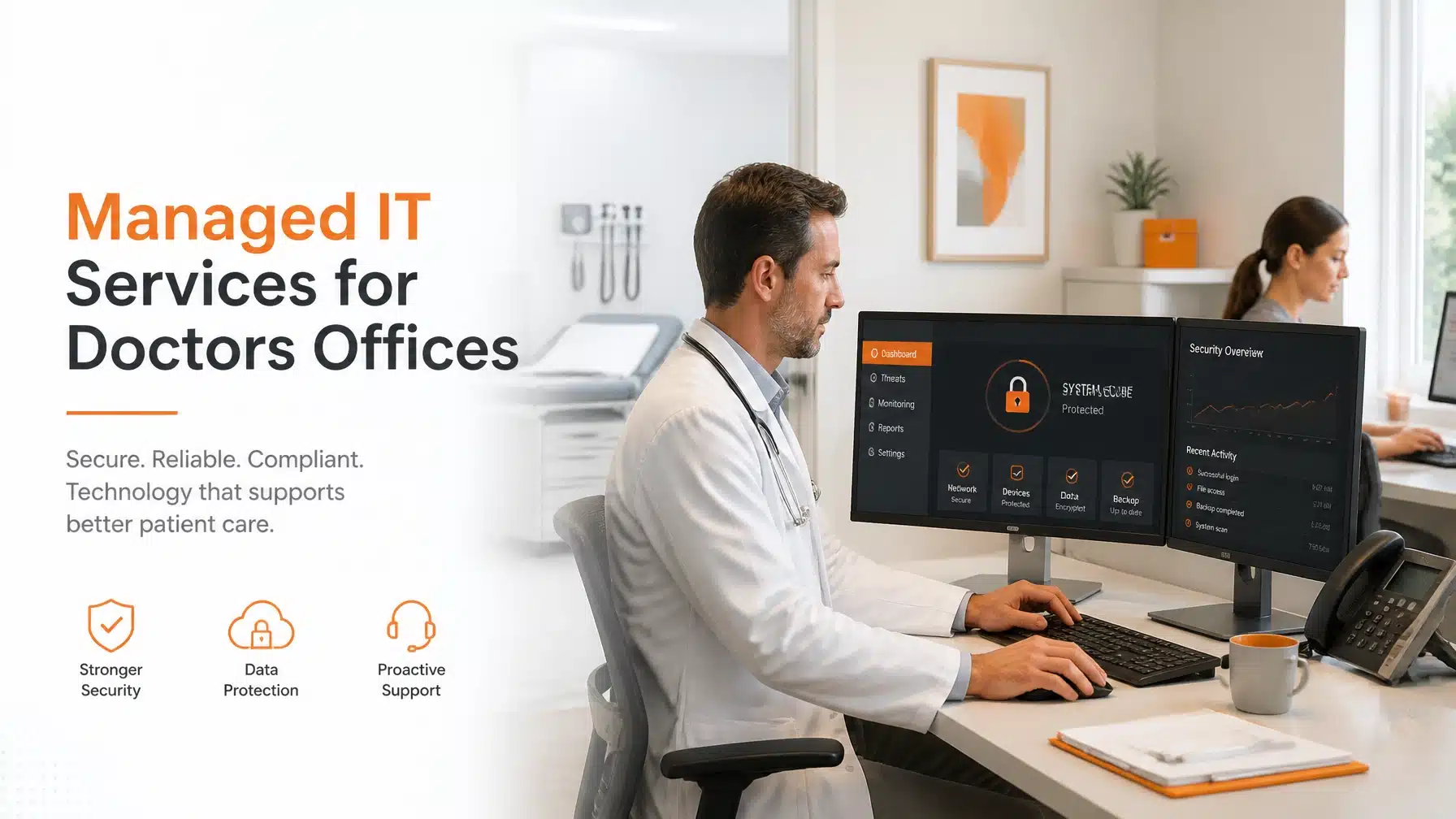
Managed IT Services for Doctors Offices give your practice stronger security, better uptime, and clearer compliance support. They also reduce daily friction for physicians, front desk staff, and billing teams. As a result, your organization can protect patient data, support HIPAA requirements, and keep clinical operations moving.
If your doctors office still reacts to outages, login issues, and slow systems after they happen, you are losing time and increasing risk. However, a proactive managed services model changes that equation. It gives you continuous monitoring, 24/7/365 support, layered cybersecurity, and strategic guidance built for the realities of healthcare in Texas.
The stakes are high. According to IBM, the average healthcare data breach cost reached $10.22 million in its latest Cost of a Data Breach Report. Moreover, the U.S. Department of Health and Human Services continues to emphasize administrative, physical, and technical safeguards for protected health information. Consequently, modern medical practices need more than basic IT help. They need a security-focused partner that understands both technology and healthcare operations.
Why Managed IT Services for Doctors Offices Matter More Than Ever
A doctors office runs on connected systems. Your electronic health record platform, imaging tools, scheduling software, patient portals, VoIP phones, Wi-Fi, and billing systems all depend on reliable IT. When one piece fails, the disruption spreads quickly.
For example, a login outage at 8:00 AM can delay check-in for every patient on the schedule. A failed printer can stall referrals and lab orders. A missed patch on a front desk workstation can open the door to ransomware. Therefore, every medical practice needs an IT strategy that prevents common failures before they affect care delivery.
Managed IT Services for Doctors Offices address that challenge with ongoing management instead of one-time fixes. Your provider monitors systems continuously, applies updates, verifies backups, responds to alerts, and helps your team solve problems fast. As a result, your staff spends less time fighting technology and more time serving patients.
Protecting Patient Data Starts with HIPAA Discipline
HIPAA compliance is not just a legal checkbox. It is an operating standard for any office that creates, stores, transmits, or accesses protected health information. Therefore, your IT environment must support privacy, security, accountability, and resilience.
The 18 PHI Identifiers Every Practice Must Protect
The HIPAA Privacy Rule identifies 18 elements that can make health information identifiable. If your systems contain any of the following, your organization must protect them appropriately:
- Names
- Geographic subdivisions smaller than a state
- All elements of dates directly related to an individual, except the year
- Telephone numbers
- Fax numbers
- Email addresses
- Social Security numbers
- Medical record numbers
- Health plan beneficiary numbers
- Account numbers
- Certificate or license numbers
- Vehicle identifiers and serial numbers, including license plates
- Device identifiers and serial numbers
- Web URLs
- Internet Protocol addresses
- Biometric identifiers, including fingerprints and voiceprints
- Full-face photos and comparable images
- Any other unique identifying number, characteristic, or code
Doctors offices handle many of these identifiers every day. A patient intake form can include names, dates, phone numbers, email addresses, insurance details, and medical record numbers. Likewise, scanned IDs and referral records often contain multiple identifiers at once. Consequently, even small practices face meaningful compliance exposure.
A managed IT provider helps you control that risk. We secure endpoints, manage permissions, encrypt devices, monitor access logs, and standardize patching. Moreover, we document the controls that support your compliance program. That matters when auditors, insurers, or legal counsel ask for proof.
Why HIPAA Compliance Requires Ongoing IT Management
HIPAA compliance fails when practices rely on assumptions. Many offices believe their EHR vendor handles everything. Others assume antivirus is enough. However, HIPAA responsibility remains shared across your entire environment.
Your organization still needs to secure user accounts, local devices, remote access, email, backups, printers, network equipment, and mobile workflows. You also need to train employees and enforce policies. Therefore, technology and human behavior must work together.
A proactive managed IT partner helps you build that discipline through repeatable processes, including:
- Access reviews for staff and contractors
- MFA deployment across email, cloud apps, and remote tools
- Endpoint encryption and device inventory
- Patch management for workstations and servers
- Backup monitoring and recovery testing
- Security awareness training for employees
- Incident response planning and escalation
These controls reduce risk. They also create a stronger security culture across your office.
The Business Impact of a Healthcare Breach
The average breach cost of $10.22 million should get every practice leader’s attention. That number reflects more than technical cleanup. It includes response costs, legal exposure, downtime, patient notification, reputational damage, and lost productivity.
For a doctors office, the operational impact can be severe. Schedules collapse. Phone calls surge. Staff revert to manual workarounds. Providers lose visibility into patient records. Billing slows down. Leadership scrambles to answer regulators, insurers, and patients. As a result, one cyber event can affect revenue, trust, and retention for months.
A Real-World Scenario for a Multi-Provider Practice
Imagine a growing specialty clinic in Texas with three physicians, two nurse practitioners, and a busy billing team. An employee clicks a phishing email that looks like a fax notification. The attacker steals credentials, logs into Microsoft 365, and sends more phishing messages internally.
Without MFA, the attacker expands access. Without Endpoint Detection and Response, malicious scripts run longer. Without proper segmentation, the attacker reaches shared files. However, with Managed IT Services for Doctors Offices, that chain looks very different.
A strong provider would typically:
- Block or quarantine suspicious email activity
- Enforce MFA to stop stolen passwords from working alone
- Use EDR to detect abnormal endpoint behavior
- Alert technicians and security responders immediately
- Isolate affected devices
- Validate backups and preserve forensic evidence
- Reset access safely and restore operations faster
That is the difference between inconvenience and crisis.
> “Identity is the new control plane. Strong authentication, conditional access, and least-privilege access remain central to protecting healthcare data in modern environments.”
> Microsoft Security
Microsoft’s guidance aligns directly with what medical practices need today. You can review its current security recommendations in the official Microsoft Zero Trust guidance.
Zero Trust Gives Doctors Offices a Modern Security Model
Traditional security assumed that users inside the network were trustworthy. That model no longer works. Staff work remotely. Physicians use mobile devices. Vendors connect to cloud platforms. Patients interact through portals. Therefore, trust must be earned continuously.
What Zero Trust Means for Your Practice
Zero Trust is a security model based on one core principle: never trust, always verify. Every user, device, session, and request must prove legitimacy before receiving access.
For a doctors office, that means:
- Verifying identity before access to EHR or billing systems
- Restricting access by role and device health
- Limiting lateral movement between systems
- Monitoring for unusual behavior continuously
- Requiring stronger controls for remote access
This approach reduces the blast radius of an incident. If one user account is compromised, the attacker should not gain broad access automatically. Consequently, Zero Trust turns isolated failures into manageable events.
Zero Trust Supports Compliance and Continuity
Zero Trust also supports HIPAA goals. It strengthens access control, supports audit visibility, and reduces unnecessary exposure to PHI. Moreover, it helps your practice adapt to real-world workflow changes without sacrificing security.
For example, a physician may need after-hours access from home. A Zero Trust model can allow that access only through approved devices, MFA, and defined policies. Likewise, a temporary billing contractor may receive limited access to one system, not the entire network. These decisions improve both security and operational control.
Essential Security Layers in Managed IT Services for Doctors Offices
Security works best in layers. No single tool protects your practice by itself. Therefore, managed services should combine multiple safeguards into one coordinated program.
MFA Reduces Credential-Based Risk
Multi-Factor Authentication (MFA) requires users to confirm identity with a second factor, such as an authenticator app or approval prompt. This matters because stolen passwords remain one of the easiest ways into healthcare systems.
MFA is especially important for:
- Microsoft 365 accounts
- Remote desktop and VPN access
- EHR logins where supported
- Admin accounts
- Patient communication systems
If your team uses shared habits like password reuse or weak credentials, MFA helps stop one mistake from becoming a breach.
EDR Detects Threats Faster
Endpoint Detection and Response (EDR) monitors laptops, desktops, and servers for suspicious activity. Unlike basic antivirus, EDR looks for behaviors associated with ransomware, credential theft, persistence mechanisms, and lateral movement.
In a doctors office, EDR can help detect:
- Malicious PowerShell activity
- Unapproved encryption behavior
- Suspicious logins
- Attempts to disable security tools
- Unusual processes on billing or front desk devices
As a result, your provider can respond earlier and contain issues faster.
MDM Secures Mobile Workflows
Mobile Device Management (MDM) allows your organization to enforce security on smartphones and tablets used for business tasks. This includes device encryption, app policies, remote wipe, and conditional access.
That matters when physicians review schedules on a phone or managers access email from a tablet. If a device is lost, MDM can protect sensitive information quickly. Consequently, convenience no longer needs to undermine compliance.
Skytivity Brings Proactive Support to Healthcare Operations
Many practices think about IT only when something breaks. However, reactive support creates stress, delays, and surprise costs. Terminal B’s Skytivity model changes that dynamic through proactive service, standardized management, and direct accountability.
Skytivity Secure Help Desk Supports Your Team 24/7/365
Healthcare runs beyond normal business hours. Your support should too. Skytivity Secure Help Desk provides 24/7/365 assistance for Windows and Mac environments, so your staff can get help when issues arise.
That support helps with common problems like:
- Password resets
- Printer and scanner issues
- Login problems
- Microsoft 365 access
- Device performance concerns
- Connectivity issues for remote staff
Fast support improves morale. It also protects patient flow. When front desk staff can resolve problems quickly, appointment schedules stay on track.
Skytivity Sys Admin Services Keep the Backend Stable
The visible issue is rarely the only issue. Slow workstations can point to deeper problems with patching, storage, identity controls, or network configuration. Therefore, backend management matters just as much as help desk responsiveness.
Skytivity Sys Admin Services support:
- Server and infrastructure maintenance
- Patch management
- Backup oversight
- Cloud administration
- Network stability
- Security control alignment
- Change management and documentation
As a result, your practice avoids the hidden drift that often leads to outages or compliance gaps.
Managed IT Services for Doctors Offices Improve Daily Productivity
Productivity in healthcare is not just about speed. It is about consistency. Your clinicians need systems that work when they need them. Your office manager needs accurate reporting. Your billing team needs stable access to payer and patient systems.
Fewer Interruptions Mean Better Patient Experience
When check-in systems lag, patients notice. When the portal fails, patients call. When staff scramble for paper backups, confidence drops. Consequently, even small IT failures affect the patient experience.
Managed IT improves reliability through:
- Preventive maintenance
- System monitoring
- Internet and Wi-Fi optimization
- Device standardization
- Structured onboarding and offboarding
- Backup internet planning where needed
These improvements reduce friction across the office. They also give providers more time for care delivery.
Better Collaboration with Microsoft 365 and Azure
As a Microsoft Security Solution Partner, Terminal B helps organizations get more value from Microsoft 365 and Azure. These platforms support secure collaboration, identity management, cloud resilience, and scalable operations.
For doctors offices, that can mean:
- More secure email and calendaring
- Better document controls
- Stronger identity protection
- Cloud-based disaster recovery
- Remote access with tighter policies
- Better scalability for multi-location growth
Moreover, cloud tools reduce dependence on aging on-premises hardware. That supports continuity when weather events, power disruptions, or office access issues occur.
Why Break-Fix IT Falls Short for Medical Practices
Break-fix IT waits for failure. That approach does not fit modern healthcare. If your provider only shows up after an outage, your organization absorbs all the downtime, disruption, and uncertainty first.
By contrast, Managed IT Services for Doctors Offices focus on prevention, visibility, and response readiness.
The Break-Fix Model Creates Operational Risk
With break-fix support, you often face:
- No continuous monitoring
- Inconsistent patching
- Weak documentation
- Limited security oversight
- Unclear escalation paths
- Unpredictable support quality
That might work for a low-risk environment. It does not work well for a practice handling PHI every day.
Managed Services Create Predictability
A managed model creates structure. Your provider becomes accountable for system health, support responsiveness, security controls, and long-term planning. Therefore, you get fewer surprises and better alignment with your business goals.
This matters for practices that want to:
- Open a second location
- Add new physicians
- Integrate acquisitions
- Support telehealth expansion
- Improve audit readiness
- Strengthen cyber insurance posture
Managed services support growth because they reduce chaos.
Why Texas Doctors Offices Choose Terminal B
Terminal B works with organizations that need security, responsiveness, and practical guidance. We support businesses across Texas, including organizations in healthcare and other regulated industries. Because we understand compliance-heavy environments, we focus on both protection and usability.
We are also a Microsoft Security Solution Partner, which helps us design secure cloud and identity strategies with depth and precision. Moreover, we combine frontline support with strategic backend administration through our Skytivity service model.
If you run a doctors office, you need a partner that respects clinical urgency. You also need a team that understands that technology problems quickly become patient service problems. That is why our approach prioritizes resilience, user support, and security culture together.
> “The human element remains a major factor in breaches. Security awareness, phishing resistance, and repeatable processes matter as much as the technology stack.”
> IBM Security
That insight fits healthcare perfectly. You cannot secure a medical practice with tools alone. You need trained users, defined processes, and a partner who reinforces both.
Build a More Secure and Efficient Practice with a Strategy Session
If your office struggles with recurring IT issues, limited visibility, or growing compliance pressure, now is the time to take a more proactive path. Managed IT Services for Doctors Offices can strengthen operations, reduce risk, and help your team stay focused on patient care.
Terminal B can assess your current environment, identify practical gaps, and recommend a roadmap that fits your organization. We will look at support workflows, cybersecurity controls, compliance exposure, cloud readiness, and operational resilience.
Schedule a strategy session with Terminal B to discuss your current environment and the next best steps for your practice. We will help you build a secure, reliable, and scalable IT foundation for modern healthcare delivery.
Frequently Asked Questions
What are Managed IT Services for Doctors Offices?
Managed IT Services for Doctors Offices are ongoing technology services that support your practice’s systems, cybersecurity, help desk needs, cloud tools, and compliance efforts. Instead of waiting for something to break, your provider monitors and manages your environment proactively.
How do managed services help with HIPAA compliance?
Managed services support HIPAA by improving access control, patching, encryption, logging, backup oversight, and user security practices. They also help document technical safeguards and reduce the chance of preventable compliance failures.
Why is MFA so important for a medical practice?
MFA adds a second verification step after the password. As a result, stolen credentials are much less useful to attackers. That makes MFA one of the most effective ways to reduce account compromise risk in healthcare.
How does Zero Trust help a doctors office?
Zero Trust requires continuous verification for users and devices. It limits unnecessary access and reduces lateral movement after a compromise. Consequently, it helps protect PHI and supports secure remote work.
What makes Skytivity different from basic IT support?
Skytivity combines proactive monitoring, 24/7/365 help desk support, backend administration, and layered security services. It is designed to prevent issues, not just react to them after downtime begins.
About the Author: Greg Bibeau
Greg Bibeau is the Founder and CEO of Terminal B. He brings more than three decades of IT leadership experience to organizations that need secure, scalable, and practical technology strategies. Greg has spent his career helping regulated businesses align security, compliance, and business growth through proactive IT management.
Related Posts