Cloud adoption offers unparalleled agility for modern businesses. However, that agility often comes with a…
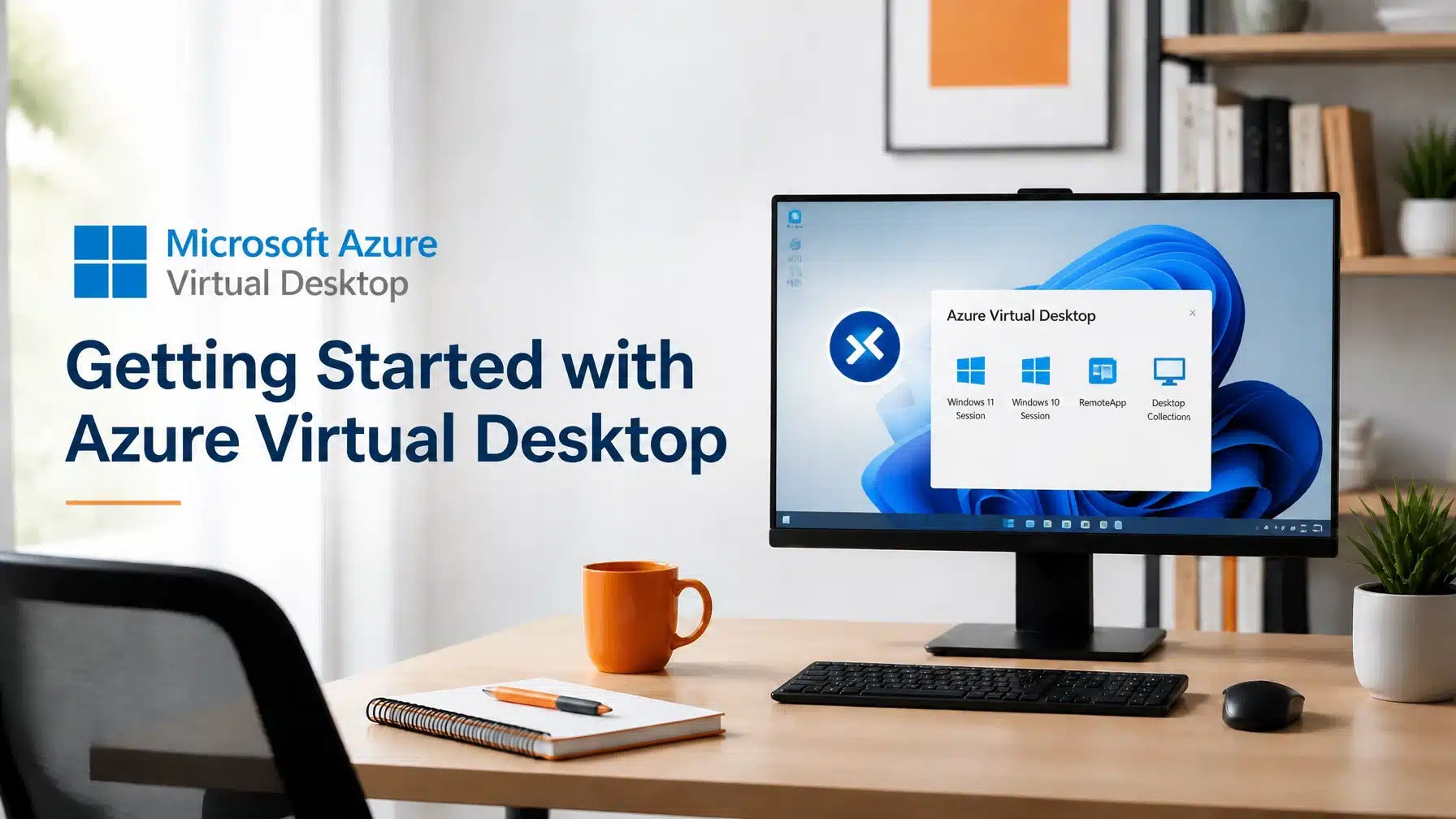
Azure Virtual Desktop Setup: Getting Started with AVD
Updated 6/10/2026
If you are planning an Azure Virtual Desktop setup, start with a clear framework. The fastest path to success is to assess workloads, secure identity, design host pools, validate networking, and optimize the environment after launch. Consequently, your organization avoids cost overruns, poor user experience, and security gaps.
For organizations getting started with AVD, the platform now offers a more mature path than ever. Microsoft continues to expand the service with External Identities support for Azure Virtual Desktop, FSLogix profiles for cloud-only deployments, Entra ID single sign-on, and RDP Multipath for more resilient connectivity. Moreover, the new Windows App from Microsoft gives users a unified gateway for Azure Virtual Desktop and Windows 365 access.
Terminal B helps organizations simplify this process with practical planning, secure deployment, and ongoing support. As a Microsoft Security Solution Partner with a proactive Skytivity model, we help you build an AVD environment that performs well, supports compliance, and scales with your business.
Why Getting Started with Azure Virtual Desktop Requires a Clear Plan
Traditional Virtual Desktop Infrastructure, or VDI, often required heavy capital investment and complex on-premises support. Azure Virtual Desktop changes that model by delivering desktops and applications from Microsoft Azure. However, success still depends on thoughtful design.
That is why your Azure Virtual Desktop setup should follow a structured rollout. A rushed deployment can create login issues, profile problems, poor Teams performance, and unnecessary cloud spend. By contrast, a phased design gives you better security, smoother user adoption, and stronger cost control.
Microsoft has also expanded what AVD can do. Today, organizations can support guest access scenarios with Azure Virtual Desktop External Identities, simplify user profiles with FSLogix cloud cache and cloud-only support, strengthen access with Microsoft Entra ID single sign-on, and improve session reliability through RDP Multipath. As a result, getting started with AVD is simpler than it was even a short time ago.
Azure Virtual Desktop Setup in 5 Steps
1. Assessment: Define Users, Apps, and Compliance Requirements
Every strong Azure Virtual Desktop setup starts with assessment. Before you provision anything, identify who will use AVD, which applications they need, and what compliance obligations apply.
Focus on questions like these:
- Do users need full desktops, published apps, or both?
- Will they work from corporate devices, personal devices, or shared kiosks?
- Do they use graphics-heavy software, Microsoft 365 apps, or line-of-business systems?
- Do you need HIPAA, NIST, ITAR, or other control frameworks?
For example, a Texas healthcare organization may need secure access to electronic health record workflows from exam rooms, remote clinics, and administrative offices. In that case, you need session controls, logging, role-based access, and policies that keep protected health information off local devices.
A Texas construction firm often has a different profile. Project managers may need access from trailers and jobsites, while designers may require GPU-backed virtual machines for BIM, CAD, or rendering workloads. Consequently, the assessment phase determines whether you need pooled desktops, personal desktops, or specialized host pools.
2. Identity: Build Secure Access with Entra ID and SSO
Identity is the control plane for AVD. If identity is weak, the rest of the environment is exposed. Therefore, your next step is to design access around Microsoft Entra ID, Multi-Factor Authentication, Conditional Access, and least-privilege administration.
Modern AVD deployments also support features that remove older complexity. With Entra ID single sign-on for Azure Virtual Desktop, users can move into sessions with fewer prompts and a cleaner experience. In parallel, FSLogix for cloud-only identities allows profile containers without requiring a traditional domain controller in the design.
That matters for lean IT teams. It also matters for startups, distributed clinics, and organizations standardizing on cloud identity. Moreover, External Identities in Azure Virtual Desktop now gives organizations more flexibility for B2B scenarios. If you collaborate with contractors, partner engineers, temporary project teams, or third-party consultants, you can extend secure access without building an overly broad trust model.

3. Host Pools: Match Performance to the Workload
Host pools determine how users consume AVD resources. In simple terms, a host pool is a collection of session hosts that deliver desktops or apps to a group of users. Choosing the right model affects cost, performance, and manageability.
Most organizations start with one of these approaches:
- Pooled host pools for task workers, shared teams, and standard productivity workloads
- Personal host pools for users who need persistent desktops or custom app configurations
- GPU-enabled host pools for graphics-intensive use cases such as 3D modeling, estimating, and design review
A construction example makes this clear. If your field supervisors only need project dashboards, email, and document access, pooled desktops often work well. However, if your preconstruction or design teams run AutoCAD, Revit, or other graphics-heavy tools, GPU-backed virtual machines provide the performance they need.
The same logic applies in healthcare. A billing team may use pooled desktops efficiently, while imaging or specialty application users may need different performance and session settings. As a result, host pool strategy should align directly with business roles, not just technical preference.
4. Networking: Design for Reliable User Experience
Networking has a direct impact on the user experience. If latency is unstable or traffic paths are poorly designed, users will blame AVD even when the issue starts elsewhere. Therefore, network validation should happen before production rollout.
Plan around:
- User location and Azure region alignment
- Secure connectivity to applications and data sources
- DNS, firewall, and outbound access requirements
- Microsoft 365 and Teams optimization
- Redundancy for branch offices and mobile users
One important improvement is RDP Multipath. This capability improves resilience by using multiple network paths for remote desktop traffic. Consequently, sessions stay more stable when a user has inconsistent connectivity, which is especially valuable for remote staff, branch offices, and field teams across Texas.
You should also think about the user entry point. Microsoft’s Windows App now acts as the unified gateway for Azure Virtual Desktop and Windows 365. That simplifies the user experience and reduces confusion around how employees launch their cloud desktops and apps.
5. Optimization: Improve Cost, Profiles, and User Experience Over Time
Launching AVD is not the finish line. Optimization is what makes the environment efficient over time. Once users are live, review performance data, profile load times, host utilization, and session behavior regularly.
This phase usually includes:
- Rightsizing virtual machines
- Tuning autoscaling schedules
- Updating master images
- Monitoring sign-in and session issues
- Improving profile performance with FSLogix
- Reviewing licensing and Azure consumption patterns
FSLogix remains central here because profile performance directly affects user satisfaction. Slow sign-ins lead to support tickets, lost time, and poor adoption. By contrast, a well-tuned profile strategy gives users a fast, consistent desktop experience.
At Terminal B, this is where our Skytivity model adds value. We do not treat deployment as a one-time project. We continuously monitor, maintain, and optimize the environment so your team gets performance, security, and predictable operations from the platform.
Industry-Specific Applications of AVD in Texas
Every industry has different performance, security, and workflow needs. That is why getting started with AVD should always connect technical design to business operations.
Healthcare: Secure HIPAA Workflows Without Exposing PHI
Texas healthcare organizations often need clinicians, billing teams, and administrative staff to access systems from multiple locations. AVD supports that model by keeping applications and data in Azure instead of on local endpoints. Consequently, your organization reduces the risk tied to lost laptops, unmanaged home devices, and inconsistent patching.
A practical healthcare workflow might include:
- Secure EHR access for remote coders and revenue cycle teams
- Shared clinical workstations in satellite clinics
- Temporary access for providers covering multiple locations
- Centralized policy enforcement for PHI handling
When paired with proper identity controls, logging, and endpoint standards, AVD can support HIPAA-aligned workflows. Microsoft also documents a broad compliance foundation in its compliance offerings portal, which helps organizations map technical controls to regulatory requirements.
Construction: GPU Performance for Field and Design Teams
Construction firms in Texas often need two things at once: secure field access and strong graphics performance. AVD supports both. Field teams can connect to project systems from trailers and jobsites, while design and preconstruction teams can use GPU-enabled virtual machines for demanding software.
That makes AVD useful for:
- Revit and AutoCAD access from distributed teams
- Faster review of large models and drawing sets
- Standardized desktops for subcontractors and project managers
- Better version control through centralized application delivery
Because the workload runs in Azure, your team works from a consistent environment instead of troubleshooting local device differences. As a result, you improve collaboration and reduce delays caused by software conflicts or underpowered laptops.

Why Expert Guidance Matters for Azure Virtual Desktop Setup
A successful Azure Virtual Desktop setup requires more than turning on virtual machines. You need the right licensing path, identity design, host pool strategy, profile configuration, and operational plan. Otherwise, costs drift upward and the user experience suffers.
Terminal B helps organizations approach AVD as an operating model, not just a deployment task. As a Microsoft Security Solution Partner, we combine Microsoft cloud expertise with practical support for regulated and performance-sensitive environments. We also deliver services through our proactive Skytivity model, which gives you ongoing monitoring, maintenance, and optimization after launch.
> “Microsoft recommends planning identity, networking, image management, and user profiles together because each area affects performance and supportability.”
> Microsoft Learn
That approach is especially important if your organization has limited internal IT bandwidth. It also matters if you support healthcare workflows, distributed construction teams, or hybrid workforces that need reliable access across many locations.
Why Terminal B Is a Strong Fit
Terminal B is locally owned and focused on long-term outcomes, not one-time projects. We support organizations across Central Texas and beyond with cloud strategy, managed IT, cybersecurity, and Microsoft platform expertise.
We also bring a practical advantage through our Microsoft relationship. As a Microsoft Direct CSP, Terminal B can streamline licensing, billing, and support around your cloud environment. Combined with our Skytivity support model, that means your organization gets strategic guidance and day-to-day operational follow-through.
Our team helps you:
- Assess whether AVD, Windows 365, or a hybrid approach fits best
- Design secure identity and conditional access policies
- Build host pools aligned to user roles and application needs
- Optimize Teams, Microsoft 365, and profile performance
- Support compliance goals in healthcare, finance, and other regulated sectors
For organizations that want to move quickly without creating technical debt, that combination is valuable. Moreover, if you already use Microsoft 365 and Azure, AVD often fits naturally into your broader cloud roadmap.

Conclusion: Start with a Strategy Session
Getting started with AVD is easier when you follow a structured plan. Start with assessment, secure identity, build the right host pools, validate networking, and optimize continuously. That process gives your organization a better user experience, stronger security, and better control over cloud spend.
If you want an expert review of your environment, Terminal B can help. We will map your business needs to the right AVD architecture and support model.
Ready to plan your Azure Virtual Desktop setup? Contact Terminal B for a strategy session and build a cleaner path to secure, scalable desktop delivery.
Frequently Asked Questions
What is the best way to approach Azure Virtual Desktop setup?
The best approach is to follow a staged framework. Start with assessment, then secure identity, build host pools, validate networking, and optimize after launch. This method reduces deployment risk and improves user adoption.
What is the Windows App, and why does it matter for AVD?
The Windows App is Microsoft’s unified access point for Azure Virtual Desktop, Windows 365, and other remote experiences. It simplifies how users connect, which improves consistency and reduces confusion during rollout.
Can Azure Virtual Desktop work without a traditional domain controller?
Yes. Recent improvements such as FSLogix support for cloud-only scenarios make some AVD deployments simpler. That means organizations can support profiles and modern identity approaches without always relying on older domain-based models.
Does Azure Virtual Desktop support external or guest users?
Yes. With External Identities support, Azure Virtual Desktop can support B2B access scenarios more effectively. This is useful when your organization works with contractors, consultants, or partner teams that need secure access.
Is Azure Virtual Desktop a good fit for healthcare and construction?
Yes. Healthcare organizations use AVD to support secure HIPAA workflows and centralized access to clinical systems. Construction organizations use it for remote access, standardized desktops, and GPU-backed performance for CAD and modeling applications.
About the Author: Greg Bibeau
Greg Bibeau is the Founder and CEO of Terminal B, the premiere MSP in Central Texas. With 3 decades of experience in IT, he helps organizations align cloud, cybersecurity, and managed services with real business goals.
Greg leads Terminal B with a practical, business-first approach that helps companies reduce complexity, improve security, and scale with confidence.
Related Posts