Choosing between Microsoft 365 and Google Workspace often feels like a permanent fork in the…
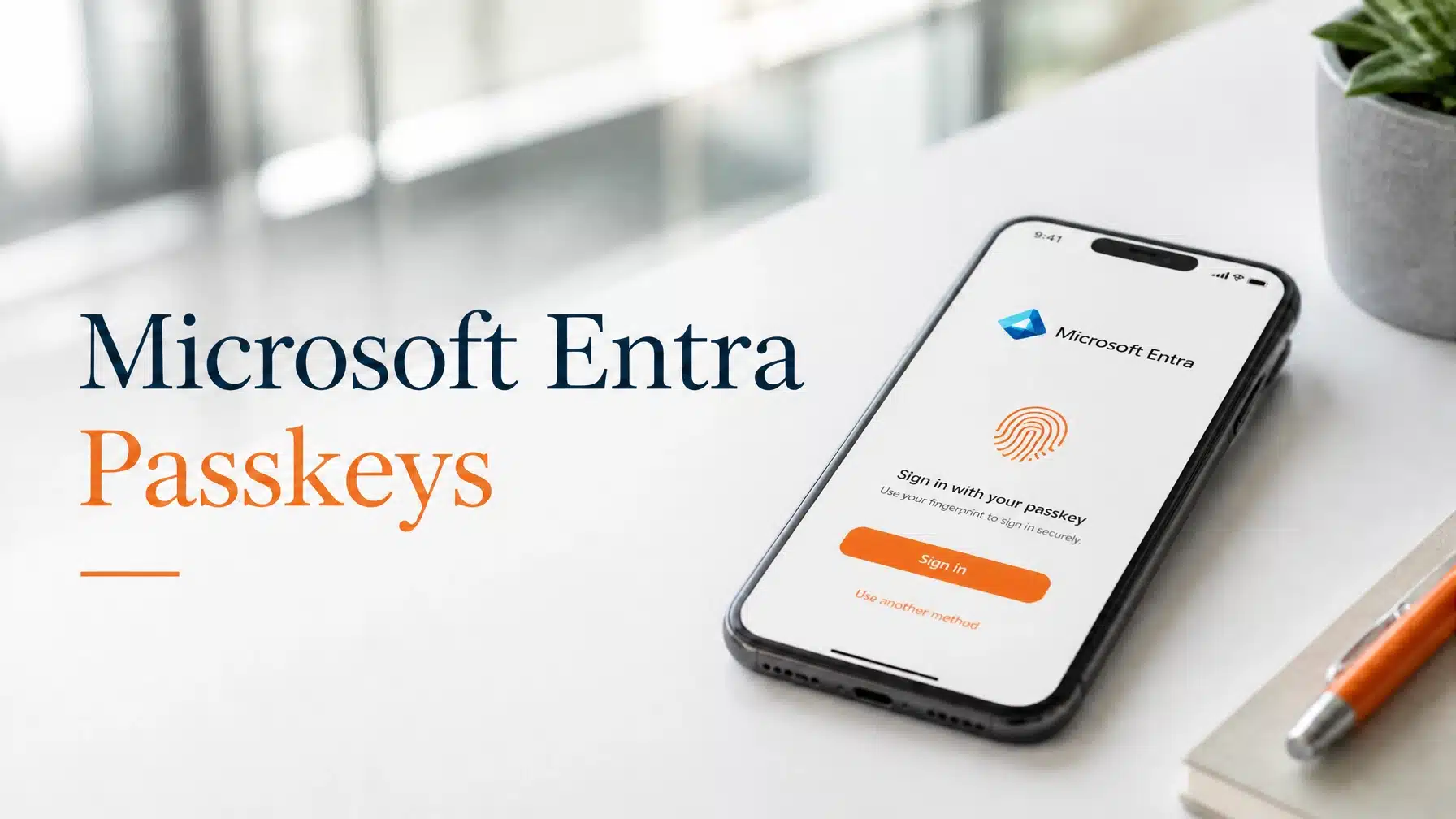
Microsoft Entra Passkeys: The Retirement of SMS and Voice Authentication
Security leaders across Texas are preparing for a fundamental shift in how employees access corporate resources. Microsoft recently announced a significant update regarding Microsoft Entra passkeys and the phased retirement of legacy authentication methods. This transition marks the end of an era for SMS and voice-based multi-factor authentication (MFA).
As a Microsoft Security Solution Partner, Terminal B tracks these infrastructure shifts to ensure our clients remain secure and compliant. The industry is moving toward “phishing-resistant” authentication to combat the rising tide of sophisticated cyber attacks. According to research from Forrester, organizations that implement passwordless identity solutions experience up to a 75% reduction in helpdesk tickets related to password resets and login issues.
The move to Microsoft Entra passkeys is not merely a suggestion for better security. It is a mandatory roadmap that will fundamentally change how your team logs into Windows, Microsoft 365, and third-party applications. Organizations must act now to avoid disruptions when Microsoft begins enforcing these changes across all global tenants.
Understanding the Retirement Timeline
Microsoft has established two critical milestones that every business owner and IT administrator must understand. Failure to prepare for these dates will result in blocked sign-ins and potential productivity loss for your workforce.
September 1, 2026: Passkeys Become the Default
Starting on September 1, 2026, Microsoft will set passkeys as the default authentication method for all users currently using SMS or voice for MFA. This change happens automatically within the Entra Authentication Methods Policy. Users will start seeing prompts to register a passkey on their eligible devices during the sign-in process.
While users can skip these prompts initially, the “Microsoft Managed” registration campaign will actively encourage the transition. This phase aims to transition the majority of the user base to Microsoft Entra passkeys before the final hammer falls on legacy methods.
February 1, 2027: Full Retirement of SMS and Voice
The most significant date in this journey is February 1, 2027. On this day, Microsoft will officially retire Microsoft-provided telecom delivery for SMS and voice authentication. If your organization relies on Microsoft to send these codes, the service will simply stop working.
After this deadline, any user whose only MFA method is SMS or voice will face a blocking prompt. They will be forced to register a passkey before they can access their account. There is no opt-out for this enforcement. Every tenant globally will transition to this new standard to ensure a higher baseline of security.

Why Microsoft is Retiring Legacy MFA
You might wonder why Microsoft is removing two of the most popular authentication methods in the world. The answer lies in the evolving threat landscape. SMS and voice-based codes are no longer sufficient to protect sensitive business data in modern cloud security environments.
The Vulnerability of Telephony
Hackers have perfected several techniques to bypass SMS and voice MFA. SIM swapping allows attackers to take over a victim’s phone number by tricking a telecom provider. Once they control the number, they receive all MFA codes directly. Furthermore, sophisticated phishing kits can intercept these codes in real-time, rendering the “second factor” useless.
Phishing-Resistant Standards
Microsoft Entra passkeys use the FIDO2 standard, which creates a unique cryptographic bond between the user’s device and the service. Because the passkey never leaves the device, it cannot be stolen through a fake login page. This level of protection is now a requirement for many modern insurance policies and federal compliance frameworks.
The National Institute of Standards and Technology (NIST) increasingly emphasizes phishing-resistant MFA as a cornerstone of a zero-trust architecture. By moving to Microsoft Entra passkeys, your organization aligns with the highest levels of federal security standards.
The Business Benefits of Passkeys
While the security improvements are the primary driver, switching to passkeys offers several tangible benefits for your business operations. This transition is an opportunity to improve the “user experience” while simultaneously hardening your perimeter.
- Improved Productivity: Employees no longer need to wait for a text message or answer a phone call. A simple biometric check (like a fingerprint or facial scan) on their smartphone or laptop provides instant access.
- Reduced IT Costs: Password-related issues are one of the most common reasons for helpdesk calls. Moving to a passwordless model significantly reduces the burden on your internal or outsourced IT support team.
- Compliance Alignment: For businesses in healthcare or finance, meeting strict identity requirements is essential. Passkeys help satisfy many requirements for HIPAA and NIST compliance.
- Cost Savings: Passkeys are included in all Entra plans at no extra cost. You do not need to purchase additional licenses to improve your security posture.

Preparing Your Organization for the Transition
Transitioning an entire workforce to a new authentication method requires careful planning and clear communication. You do not want your employees to be surprised by blocking prompts on February 1, 2027.
Step 1: Audit Current MFA Usage
The first step is identifying which users still rely on SMS or voice. You can find this information in the Entra ID portal under the “Authentication Methods” activity reports. Understanding the scope of the change allows you to target your training and support efforts.
Step 2: Enable Passkey Policies
Administrators should begin enabling the passkey (FIDO2) authentication method within the Entra portal now. You can start with a small pilot group of tech-savvy users to test the enrollment process. Ensure you allow both platform passkeys (like Windows Hello or Apple Keychain) and roaming passkeys (like physical YubiKeys).
Step 3: Configure Telecom Providers (If Necessary)
Some organizations have unique requirements that necessitate continued use of SMS or voice. If your business falls into this category, you must procure and configure a customer-managed telecom provider through the Microsoft Security Store.
If you do not configure a third-party provider by the February deadline, your users will lose the ability to use telephony-based MFA entirely. We recommend avoiding this path unless absolutely necessary, as it maintains the security vulnerabilities inherent in SMS.
Step 4: Educate Your Workforce
User adoption is the most critical factor in a successful rollout. Create clear, simple guides that show employees how to register their devices. Emphasize that this change makes their daily login easier and more secure. You may want to review common Microsoft 365 security mistakes with your team to help them understand the importance of this shift.
The Role of Terminal B as Your Partner
Navigating these changes alone can be overwhelming. Terminal B simplifies the process through our Skytivity proactive management model. As a Microsoft Security Solution Partner, we handle the backend configuration and user transition strategies so you can focus on your core business goals.
We specialize in helping Texas-based firms in high-compliance industries navigate these mandatory platform updates. Whether you need to meet NIST standards or simply want to improve your cybersecurity services posture, our team provides the strategic guidance required for success.

Strategy for a Phishing-Resistant Future
The retirement of SMS and voice is part of a larger movement toward secure digital identities. Microsoft is leading the charge by making phishing-resistant methods the default. By embracing Microsoft Entra passkeys early, you protect your organization from modern threats like adversary-in-the-middle attacks.
Identity is the new perimeter in a world where employees work from anywhere. Traditional security measures are no longer enough. A robust identity strategy involving passkeys ensures that only the right people have access to your sensitive data, regardless of their location or device.
Conclusion
The upcoming retirement of Microsoft-provided SMS and voice authentication is a turning point for business security. With passkeys becoming the default on September 1, 2026, and legacy methods disappearing on February 1, 2027, the time to prepare is now.
By moving to a passwordless, phishing-resistant model, you improve your security, reduce IT overhead, and provide a better experience for your employees. Terminal B is here to ensure your transition is seamless, secure, and compliant.
Ready to secure your business identity?
Schedule a consultation with Terminal B today to build a roadmap for your transition to Microsoft Entra passkeys.
Frequently Asked Questions
What happens if I do nothing before February 1, 2027?
If you do not take action, your users who rely on SMS or voice will be blocked from signing in on February 1, 2027. They will be forced to register a passkey during their next sign-in attempt before they can access any Microsoft 365 services or Entra-connected apps. This can lead to significant downtime and an influx of helpdesk requests.
Do I need to buy new hardware for every employee?
In most cases, no. Modern smartphones and laptops (Windows 10/11 with Windows Hello) already support passkeys natively. Employees can use the biometrics already built into their devices. Physical security keys (like FIDO2 USB keys) are only necessary for employees who do not have access to a compatible smartphone or computer.
Are passkeys more secure than the Microsoft Authenticator app?
Yes. While the Microsoft Authenticator app (using push notifications with number matching) is very secure, it is not fully phishing-resistant. Microsoft Entra passkeys use cryptographic keys that are bound to the specific device and website, making them immune to the vast majority of modern phishing attacks.
Can I still use SMS if my industry requires it?
Microsoft will no longer provide the telecom service for SMS MFA after the retirement date. If you must keep using SMS, you will have to pay for and configure your own telecom provider through the Microsoft Security Store. However, we strongly recommend transitioning to passkeys to meet modern security and cyber insurance requirements.
Does this change affect my guest users?
The retirement of Microsoft-provided SMS and voice applies to all users in your Entra ID tenant, including guests and external partners. If your guest users rely on these methods, they will also need to transition to passkeys or other supported methods to maintain access to your shared resources.
Related Posts