Security leaders across Texas are preparing for a fundamental shift in how employees access corporate…
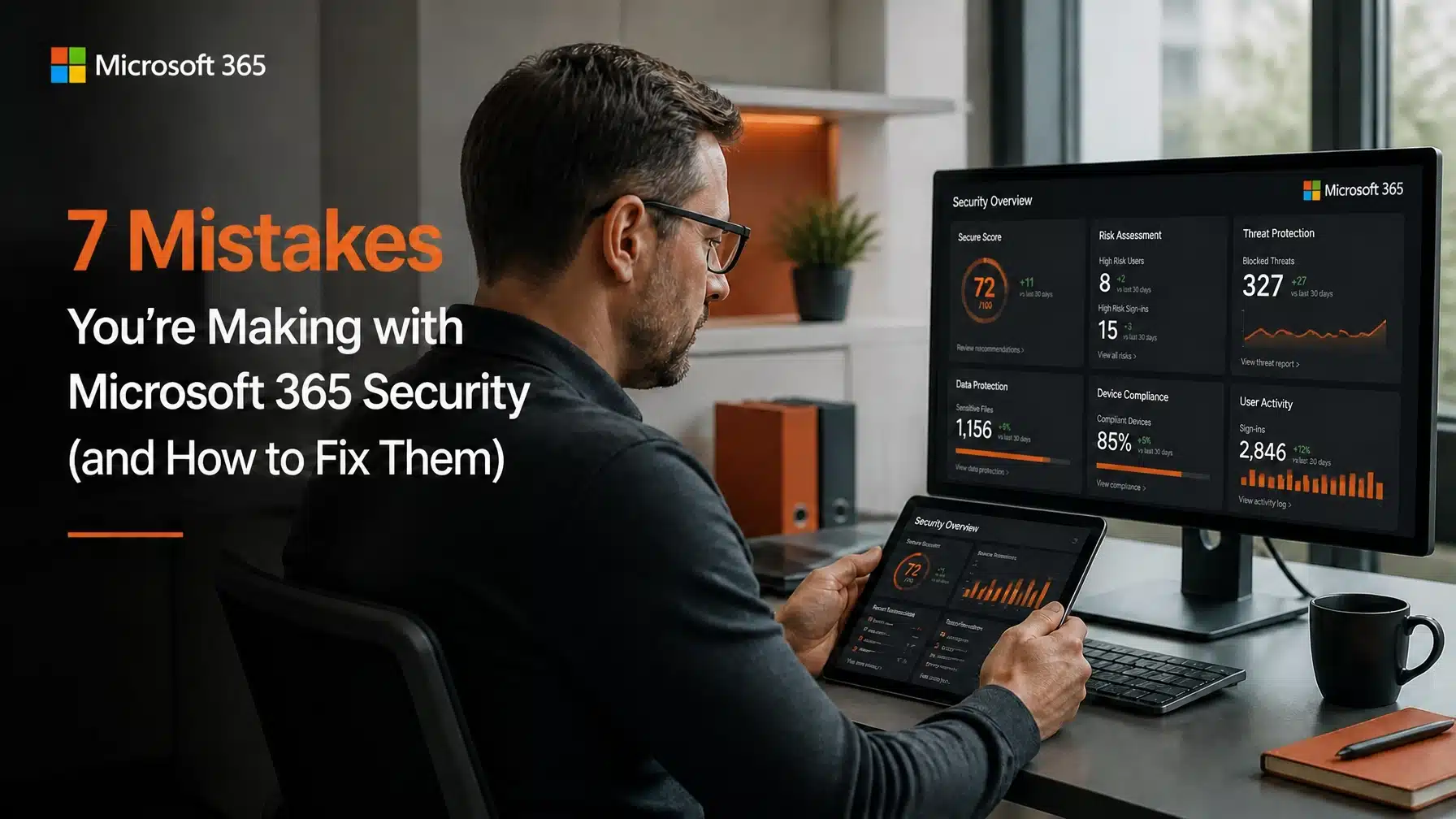
7 Mistakes You’re Making with Microsoft 365 Security (and How to Fix Them)
Microsoft 365 security is now a business-critical priority. Microsoft 365 is the engine that drives modern business. It allows your team to collaborate from anywhere and stay productive. However, many organizations assume that moving to the cloud automatically means they are secure. This dangerous assumption often leads to significant vulnerabilities. Microsoft provides the tools for security, but you are responsible for configuring them correctly.
Recent data shows the stakes have never been higher for your organization. According to IBM’s Cost of a Data Breach Report, the average data breach cost rose to $4.88 million in 2025. Furthermore, CoreView research indicates that 45% of large organizations experienced a security or compliance incident caused by Microsoft 365 misconfiguration in the past year. These statistics prove that a “set it and forget it” approach to the cloud is no longer viable.
At Terminal B, we serve as a Microsoft Security Solution Partner. We help businesses across Texas navigate these complexities every day. By identifying and fixing common Microsoft 365 security mistakes, you can protect your data and your reputation. This guide outlines the most frequent gaps we see and provides actionable steps to close them.
1. Relying on Partial or Weak Multi-Factor Authentication
Most businesses understand that Multi-Factor Authentication (MFA) is necessary. However, many organizations only implement it for some users. Others rely on weak methods like SMS or voice calls. Cybercriminals now use sophisticated phishing techniques to bypass these older forms of MFA. Consequently, relying on SMS creates a false sense of security.
You should implement phishing-resistant MFA across your entire organization. This includes using Microsoft Authenticator with number matching or FIDO2 security keys. These methods verify that the person attempting to log in is actually holding the physical device. Moreover, you must enforce MFA for every single user without exception. A single unprotected account is all an attacker needs to enter your network.
2. Leaving Legacy Authentication Protocols Active
Legacy authentication refers to older protocols like POP3, IMAP, and SMTP. These protocols do not support modern security features like MFA. Hackers love legacy authentication because it allows them to bypass your security controls entirely. Even if you have MFA enabled for your users, an attacker can use these old protocols to brute-force passwords.
You must disable legacy authentication across your tenant immediately. Microsoft has started disabling these by default, but many older tenants still have them active. We recommend checking your Entra ID (formerly Azure AD) settings to ensure these doors are locked. As a result, you will force all login attempts through modern, secure authentication paths.
3. Allowing Over-Privileged Accounts and Global Admin Creep
We frequently see organizations with too many Global Administrators. It often starts with a single IT person. Then, another consultant needs access. Soon, five or ten people have full control over the entire environment. This “Global Admin creep” significantly increases your risk. If one of those accounts is compromised, the attacker gains total control over your business data.
Your organization should follow the principle of least privilege. Assign users the minimum level of access they need to do their jobs. Use specific roles like Helpdesk Administrator or Billing Administrator instead of the Global Admin role. Additionally, you should review your admin list at least once a quarter. This ensures that only active, necessary personnel maintain high-level access.
4. Ignoring Shadow IT and Dangerous OAuth App Permissions
Employees often connect third-party apps to Microsoft 365 to “improve productivity.” These apps ask for permissions to read your emails or access your files. This is known as OAuth consent. If an employee grants permission to a malicious or poorly secured app, you have a major security hole. Many business owners are unaware that these “Shadow IT” apps are even running in their environment.
You must implement an app consent policy. This prevents users from granting high-risk permissions to unknown applications. Instead, require an administrator to review and approve any app before it connects to your data. This simple step keeps your Microsoft 365 security mistakes from turning into full-scale data leaks.
5. Permissive External Sharing Settings in SharePoint and OneDrive
Collaboration is the primary benefit of Microsoft 365. However, poorly managed sharing settings can lead to disaster. We often find tenants where “Anyone” links are enabled. These links allow anyone with the URL to access your documents without an identity check. If a sensitive file link is forwarded or leaked, your data becomes public.
You should restrict external sharing to “New and existing guests” or “Existing guests only” for sensitive folders. Furthermore, you can set expiration dates on sharing links. This ensures that access naturally disappears after a project ends. For more information on why standard protection isn’t enough, read our post on why antivirus is not enough.

6. Misconfiguring Your Conditional Access Policies
Conditional Access is the “brain” of Microsoft 365 security. It evaluates every login attempt based on signals like location, device health, and risk level. However, many businesses either don’t use it or misconfigure the rules. For example, they might forget to block logins from foreign countries where they have no business operations.
A strong security posture requires specific Conditional Access rules. You should require compliant, managed devices for access to sensitive data. You should also block access from high-risk IP addresses or geographic regions. Consequently, your security becomes dynamic rather than static. This is a core component of the Terminal B homepage approach to proactive IT management.
7. Assuming Retention Policies Replace Independent Backups
This is one of the most common Microsoft 365 security mistakes. Many leaders believe that Microsoft’s built-in “trash bin” or retention policies count as a backup. They do not. If a user maliciously deletes data or a ransomware attack encrypts your files, those retention settings may not save you. Microsoft is responsible for the platform’s uptime, but you are responsible for your data.
You need a third-party, independent backup solution. This ensures that your emails, OneDrive files, and SharePoint sites are stored outside of the Microsoft environment. If the primary tenant is compromised, you can still restore your business-critical information. This is an essential part of any comprehensive disaster recovery plan.
How Terminal B Improves Your Microsoft 365 Security
Managing these moving parts can feel overwhelming for a growing business. That is why we developed our Skytivity model. We provide proactive IT management that doesn’t just wait for things to break. Instead, we constantly monitor your Microsoft 365 configuration to prevent these mistakes from occurring in the first place.
As a Microsoft Security Solution Partner, we have the specialized training to secure complex environments. We work with businesses in highly regulated industries like healthcare and finance. We understand that security is not a one-time project. It is a continuous process of improvement and vigilance.
If you are concerned about your current security posture, we can help. Our team can perform a deep audit of your Microsoft 365 tenant. We will identify gaps and implement the fixes mentioned in this guide. This allows you to focus on running your business while we handle the technical complexity.
Strengthen Your Organization Today
Security is about more than just software. It is about creating a culture of safety and using the right tools correctly. By avoiding these seven common Microsoft 365 security mistakes, you place your organization ahead of the curve. You reduce your risk of a $4.88 million breach and ensure your team can work without fear.
Are you ready to lock down your cloud environment? We invite you to schedule a strategy session with our experts. We will discuss your current challenges and show you how our Skytivity services can drive your business growth through better technology.
Contact Terminal B today to secure your future.
Frequently Asked Questions
Why is Microsoft 365 not secure by default?
Microsoft 365 is built to be flexible and accessible. While Microsoft provides world-class security tools, they leave the configuration up to the customer. This ensures that the platform works for everything from a two-person shop to a global enterprise. However, this flexibility means that many high-security features are turned off by default to avoid disrupting users.
Can I just use the security score in Microsoft 365?
The Microsoft Secure Score is a great starting point. It provides a numerical value based on your current settings. However, it does not tell the whole story. A high score does not guarantee you are safe from all threats. You still need an expert to evaluate how those settings align with your specific business risks and workflows.
Does MFA slow down my employees?
Modern MFA is very fast. Using the Microsoft Authenticator app requires a simple tap on a smartphone. While it adds a few seconds to the initial login, it prevents the massive downtime associated with a security breach. Most employees find that the peace of mind is well worth the minor inconvenience.
Why do I need a third-party backup for Microsoft 365?
Microsoft operates on a shared responsibility model. They ensure the service is available, but you own the data within it. If data is deleted permanently (either accidentally or maliciously), Microsoft often cannot recover it after a certain period. A third-party backup gives you a point-in-time recovery option that is independent of your main Microsoft account.
Related Posts