Maintaining data integrity is no longer a luxury for modern financial organizations. Consequently, SOC 2…
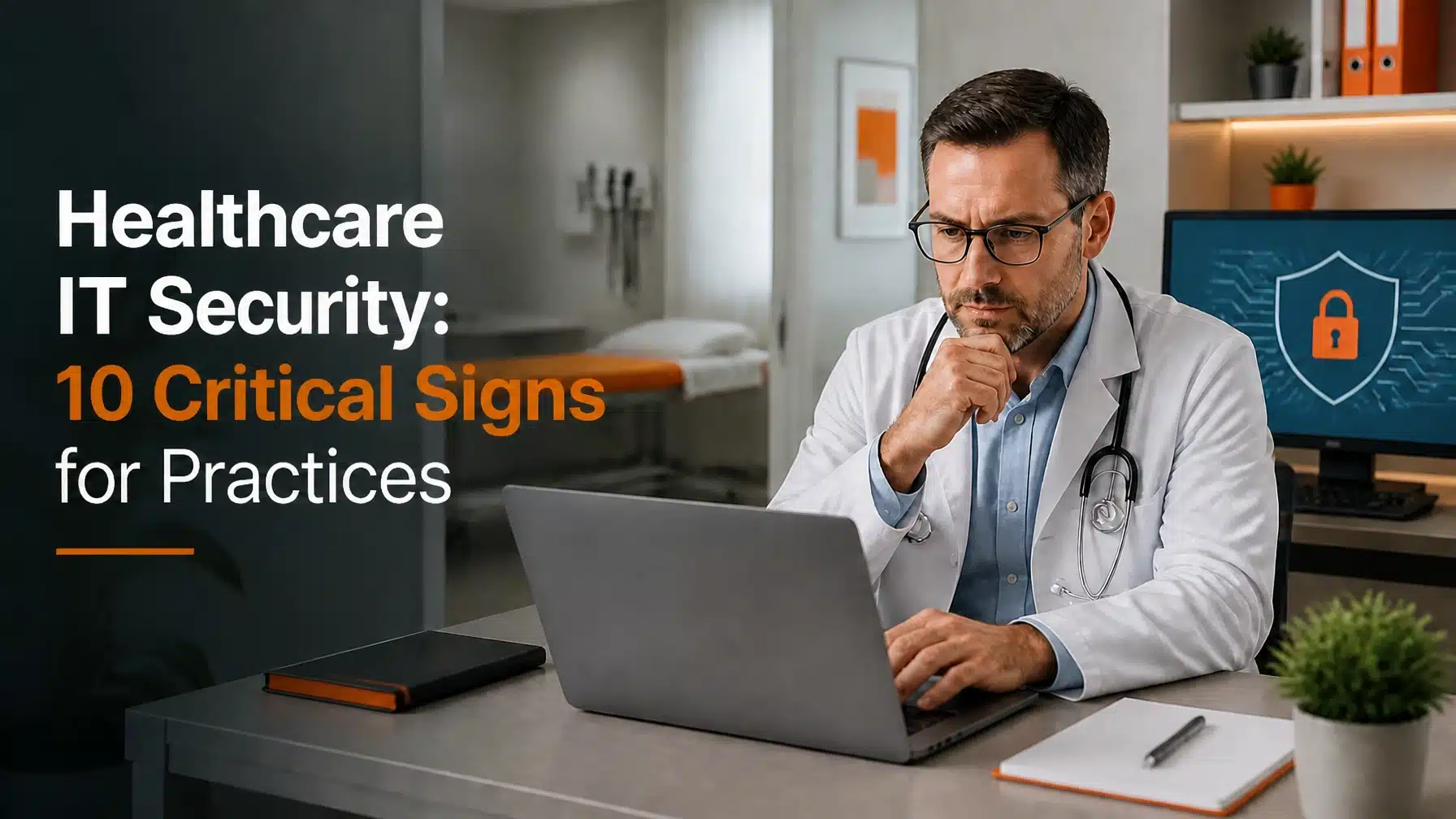
IT Security Signs for Practices: 10 Critical Signs
Updated: May 27, 2026
When the security of patient information falters, the consequences ripple through the healthcare industry far beyond a simple data breach. Healthcare IT security signs for practices now matter at every operational level. Healthcare IT security is no longer just a technical checkbox for IT directors. It is a fundamental pillar of patient safety and clinical trust. Consequently, failing to secure your digital infrastructure puts lives at risk and invites crippling regulatory penalties under HIPAA standards.
Cybercriminals have traded traditional hacking for identity-centric attacks and AI-driven social engineering. These modern threats bypass legacy defenses by “logging in” with stolen credentials rather than “breaking in” through software exploits. If your Texas healthcare practice relies on security protocols from two years ago, you are likely operating with a false sense of security.
Here are the 10 unmistakable healthcare IT security signs for practices that need stronger protection to survive today’s complex threat landscape.
1. System Downtime Becomes a Threat to Life
In the past, slow performance or server outages were merely operational headaches. However, downtime is now a clinical metric. When your EHR systems lag or disconnect, doctors cannot access critical allergy information or medication histories in real time. This delay creates a direct threat to life during emergency care.
If your staff frequently complains about “the system being down,” you have a major security and reliability gap. Modern healthcare IT security ensures that high availability is a core component of your defense strategy. Proactive management via our Skytivity model prevents these outages before they impact a single patient.
2. Healthcare IT Security Signs for Practices Include AI-Driven Phishing
Traditional phishing emails used to be easy to spot due to poor grammar and suspicious links. Unfortunately, AI-driven phishing now boasts a 60% success rate by mimicking the exact tone and style of your practice’s internal communications. Consequently, your employees are more likely than ever to click on a malicious link that appears to come from a colleague or a trusted vendor.
Terminal B recommends continuous security awareness training that specifically targets these AI-enhanced threats. Because hackers use Large Language Models (LLMs) to create perfect lures, your team needs advanced tools and education to defend the practice.

3. “Shadow AI” Leaks Sensitive Patient Data
Many healthcare professionals now use unauthorized AI tools to summarize clinical notes or draft patient communications. This “Shadow AI” often involves pasting Protected Health Information (PHI) into public AI models that do not meet HIPAA standards. As a result, your practice might be leaking sensitive data without any visible breach.
A robust healthcare IT security strategy must include clear policies and technical controls for AI usage. You must ensure that any AI tool used by your staff operates within a secure, HIPAA-compliant Microsoft environment.
4. Hackers Are “Logging In” Instead of “Breaking In”
Identity-centric attacks are now the primary threat vector. Instead of trying to exploit a firewall, hackers steal legitimate credentials through sophisticated social engineering or credential stuffing. Once they have a valid login, they move laterally through your network to exfiltrate patient records.
If your practice does not enforce mandatory Multifactor Authentication (MFA) across every single application, you are vulnerable. As a Microsoft Security Solution Partner, Terminal B specializes in implementing Zero Trust architectures that verify every login attempt, regardless of where it originates.
5. You Lack an Asset Inventory Updated Annually
HIPAA regulations increasingly require a defensible annual asset inventory. Many practices fail this requirement because they cannot track every tablet, medical device, and laptop connected to their network. If you do not know exactly what devices exist on your network, you cannot secure them.
Moreover, every connected medical device (IoMT) represents a potential entry point for attackers. Consequently, your IT partner must maintain a live, automated inventory to ensure every endpoint receives necessary security patches and monitoring.
6. More Healthcare IT Security Signs for Practices Appear in Weak Vulnerability Management
Annual security audits are no longer sufficient to maintain compliance or safety. Today’s regulatory and cyber insurance landscape demands biannual vulnerability scans at a minimum. These scans identify weaknesses in your software and hardware before criminals can exploit them.
If your last deep-dive security assessment occurred more than six months ago, your practice is at risk. Regular scanning is a core part of our Skytivity Sys Admin Services, ensuring your infrastructure stays ahead of emerging threats.

7. No 24/7 SOC Monitoring for Real-Time Threats
Hackers do not work a 9-to-5 schedule. In fact, many attacks on Texas healthcare firms occur late at night or during holiday weekends when IT staff is offline. If you only have “on-call” support, a ransomware attack could encrypt your entire database before anyone notices the alert.
To combat this, your practice needs a 24/7 Security Operations Center (SOC). A SOC provides constant monitoring and immediate response to suspicious activity. This layered approach is essential for meeting the high standards expected of modern medical providers.
8. Incident Response Fails the 72-Hour Deadline
Recent regulatory shifts have tightened the window for incident reporting. Many healthcare organizations now face a 72-hour deadline to report significant breaches or data loss events. If you do not have a clear, documented, and tested incident response plan, you will likely miss this window.
An effective plan must outline exactly who to call and how to contain a breach within hours, not days. Terminal B helps practices develop these plans so they can react with precision when every minute counts.
9. Your Practice Relies on Outdated IT Hardware
Old servers and workstations often cannot support modern security features like hardware-level encryption or advanced biometric logins. Furthermore, manufacturers eventually stop releasing security patches for legacy equipment. This “end-of-life” status makes old hardware a prime target for cyberattacks.
If your medical office still uses workstations from five years ago, you are likely missing critical security layers. Upgrading to modern, cloud-integrated hardware allows for better management and superior data protection.
10. Compliance Is Viewed as a “One-Time Event”
The most dangerous sign is the belief that being “HIPAA compliant” is a one-time achievement. In reality, compliance is a continuous process of assessment, remediation, and monitoring. Regulations change, and so do the methods used by threat actors.
A professional Microsoft Security Solution Partner treats compliance as a daily operational standard. This mindset ensures your practice remains audit-ready and your patient data stays secure throughout the year.

Secure Your Practice’s Future Today
Recognizing these healthcare IT security signs for practices is the first step toward building a more resilient practice. Today, the complexity of healthcare IT security requires a partner who understands the unique intersection of clinical care and digital defense.
Terminal B stands at the forefront of healthcare IT in Texas. We provide the expertise and proactive tools needed to protect your patients and your reputation. Our Skytivity model offers a flat-fee, comprehensive approach that eliminates the guesswork from your IT budget.
Don’t wait for a breach to reveal the weaknesses in your system. Contact Terminal B today to schedule a strategy session. Let’s ensure your practice is secure, compliant, and ready for whatever comes next.
Frequently Asked Questions
What is the 72-hour incident response deadline?
The 72-hour deadline refers to the increasingly common regulatory requirement for healthcare organizations to report major cybersecurity incidents to authorities and affected parties shortly after discovery. This shift emphasizes the need for rapid detection and a pre-defined incident response plan to ensure transparency and patient safety.
Is Multifactor Authentication (MFA) now mandatory for HIPAA compliance?
While the HIPAA Security Rule focuses on “reasonable and appropriate” safeguards, the current regulatory environment and cyber insurance requirements effectively make MFA mandatory. Because identity theft is the leading cause of healthcare breaches, failing to use MFA is often viewed as a failure to meet the minimum standard of care for data protection.
How does AI-driven phishing differ from traditional phishing?
AI-driven phishing uses Large Language Models to create highly personalized and grammatically perfect emails. These attacks often scrape public data or previous email chains to mimic the exact writing style of a trusted person. This makes them significantly harder to detect than traditional, generic phishing attempts that often contain spelling errors or obvious red flags.
What is an annual asset inventory, and why do I need one?
An annual asset inventory is a comprehensive list of all hardware and software used within your practice. It is one of the clearest healthcare IT security signs for practices that want stronger visibility and control. Knowing every device on your network allows you to ensure they are all patched, encrypted, and monitored, reducing the “attack surface” of your practice.
About the Author: Greg Bibeau
Greg Bibeau is the CEO of Terminal B and a veteran in the Managed IT Services industry with over 20 years of experience helping Texas businesses thrive. He specializes in simplifying complex technology for healthcare and highly regulated industries, ensuring that IT remains a tool for growth rather than a source of stress. Greg is a frequent speaker on cybersecurity and a dedicated advocate for proactive, security-first IT management.
Related Posts