OK, so your boss just purchased Claude and put you in charge of AI adoption…
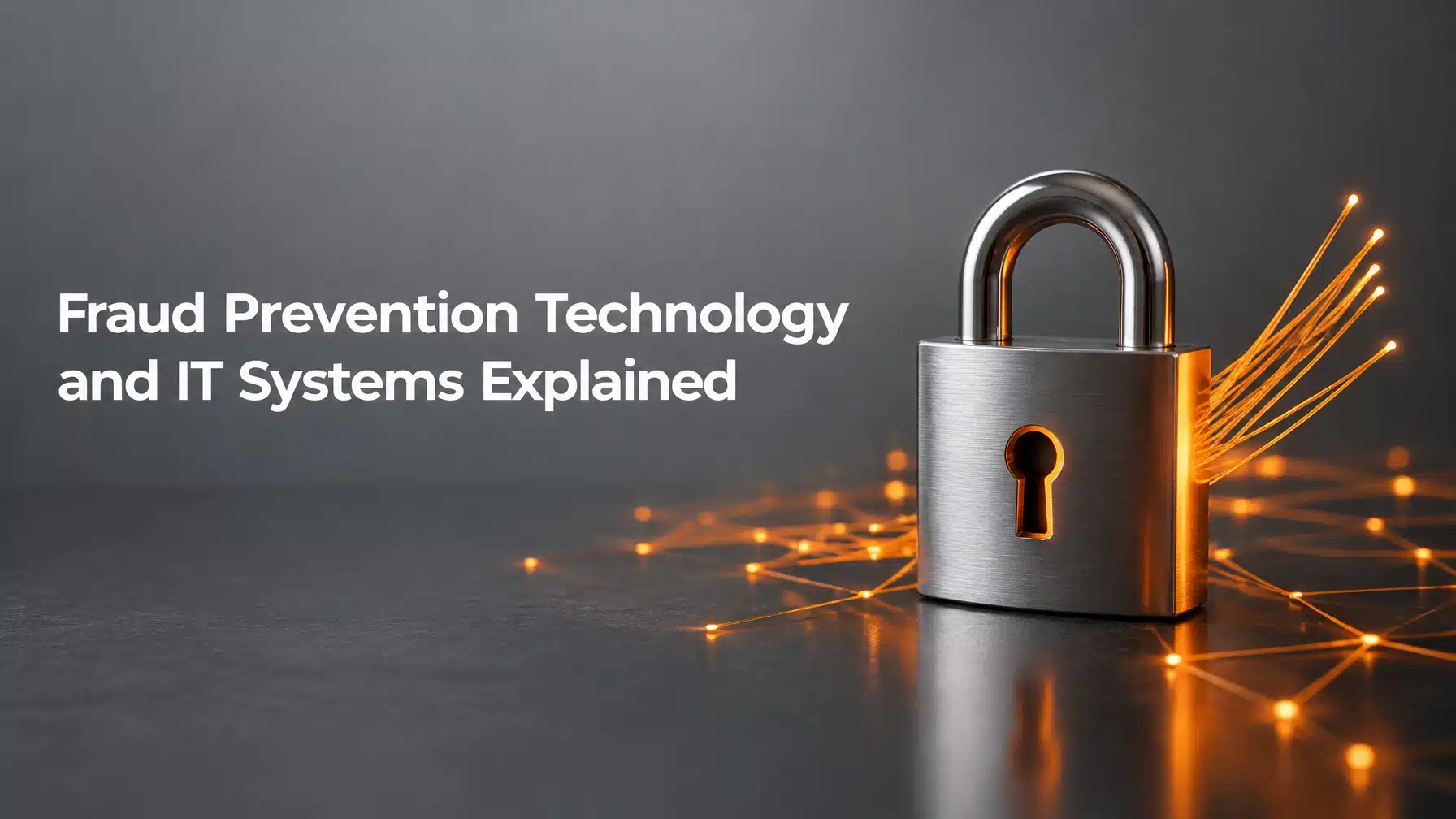
Fraud Prevention Technology and IT Systems Explained
Fraud prevention technology combines the tools, processes, and safeguards that detect fraud, block unauthorized activity, and limit losses. Today, criminals use artificial intelligence (AI) to make impersonation and phishing attempts more convincing and easier to scale. The FBI’s Internet Crime Complaint Center (IC3) reported $55.5 billion in global exposed losses from business email compromise incidents between October 2013 and December 2023, according to its business email compromise advisory.
That threat continues to evolve. In its annual report covering 2025, the FBI reported 22,364 complaints with an AI-related descriptor and adjusted losses exceeding $893 million. Those figures reflect reports that referenced AI, not every fraud case involving AI. Still, they show why business fraud prevention must pair technical safeguards with strong payment procedures and a verification culture.
How AI Is Changing Business Fraud
AI does not create every fraud scheme. However, it helps criminals produce more believable messages, identities, and documents with less effort. Consequently, familiar warning signs, such as poor spelling, may no longer appear.
Deepfake Executives and Voice Cloning
A deepfake is manipulated or AI-generated audio or video that imitates a real person. Criminals can clone an executive’s voice or image and use it to request a wire transfer, payroll change, or confidential information.
For example, a finance employee might receive a convincing video call from someone appearing to be a senior leader. The caller may insist on secrecy and demand immediate payment. A familiar voice, face, or caller ID is not proof of identity.
AI-Generated Phishing That Passes the Eye Test
AI can generate polished, personalized phishing messages at scale. It can also imitate an employee’s writing style or create a convincing email thread.
Criminals may use those messages to steal credentials, redirect invoices, or persuade staff to open harmful links. In addition, cloned websites can mimic a bank, vendor, or Microsoft 365 sign-in page closely enough to deceive a hurried user.
Synthetic Identities and Forged Documents
A synthetic identity combines real and fabricated information to create a false person or business profile. Criminals may use one to open accounts, apply for credit, or pose as a vendor.
AI can also help alter invoices, bank statements, purchase orders, or tax documents. Therefore, document appearance alone cannot confirm that a request is legitimate. Your staff should verify important details against trusted records and contacts.
What Fraud Prevention Technology Should Include
Strong fraud prevention systems combine identity security, email controls, endpoint monitoring, and finance procedures. Each layer addresses a different point in the fraud chain.
Identity Verification and Phishing-Resistant MFA
Multi-factor authentication (MFA) requires more than one distinct factor to verify a user. It can stop an attacker who steals a password from accessing an account. However, some MFA methods remain vulnerable to phishing or approval fatigue.
Where available, prioritize phishing-resistant authentication, such as passkeys or security keys based on FIDO2 and WebAuthn. These methods bind authentication to the legitimate website, making stolen codes less useful on a fake one. NIST’s Digital Identity Guidelines explain phishing resistance and authentication options.
Apply strong authentication to email, finance platforms, remote access, and administrator accounts. Also, remove accounts and permissions that employees no longer need.
Email Authentication and Filtering
Email security tools filter suspicious messages and examine links and attachments. Domain authentication makes it harder for criminals to spoof your organization’s email domain.
- SPF, or Sender Policy Framework, identifies mail servers authorized to send email for your domain.
- DKIM, or DomainKeys Identified Mail, adds a digital signature that receiving systems can check.
- DMARC, or Domain-based Message Authentication, Reporting, and Conformance, tells receiving systems how to handle messages that fail SPF or DKIM checks.
Together, these controls help reduce direct domain spoofing. However, they cannot stop every lookalike domain or message sent from a genuinely compromised account. Filtering and account monitoring remain essential.
Payment Controls and Dual Authorization
Technology cannot replace a reliable payment approval process. Require one person to prepare or change payment details and another to review and approve them.

For high-risk requests, your procedures should require staff to:
- Call a known number to verify new bank details or urgent payments.
- Confirm changes through a separate, trusted channel.
- Keep vendor record changes separate from payment release.
- Set appropriate approval limits and review unusual transactions.
- Record who verified and approved each change.
Never use the phone number or reply address in the message being checked. Instead, contact the vendor through information already on file.
Endpoint and Network Monitoring
Endpoint detection and response (EDR) monitors computers and servers for suspicious behavior. It can alert security staff or isolate a device when it detects activity associated with malware, credential theft, or ransomware.
EDR complements email and identity protections. For instance, if an employee opens a malicious attachment, EDR may detect suspicious activity on that computer. However, it cannot determine whether a legitimate-looking invoice change is authentic. That decision needs a separate verification process.
Backup and Recovery Systems
Backups help your business restore systems and data after ransomware or unauthorized changes. They do not reverse a fraudulent transfer. Nevertheless, tested backups can limit disruption while your team responds to an incident and restores trusted records.
Keep backups protected from routine user access, and test restoration regularly. Also, document who should contact your bank, insurer, legal counsel, and law enforcement after a suspected fraud event.

How to Build a Fraud Prevention Technology Program
Fraud prevention works best when people, processes, and technology support each other. Start with the money movement and information your organization most needs to protect.
- Map high-risk workflows. Identify who can change vendor records, release payments, access payroll, and approve sensitive requests.
- Secure important accounts. Require MFA, use phishing-resistant methods where possible, and review access regularly.
- Protect your email domain. Configure SPF, DKIM, and DMARC, then monitor for unusual sign-ins and mailbox forwarding rules.
- Set clear payment verification rules. Require independent callbacks for bank-detail changes, urgent transfers, and unusual requests.
- Monitor and maintain devices. Use EDR, apply security patches, and restrict unnecessary administrator privileges.
6. Train and rehearse. Teach employees how to report suspicious messages and practice what to do after a suspected payment fraud.

A finance team at a healthcare practice, for example, may process insurance payments and supplier invoices while handling sensitive patient data. It needs safeguards for both the systems and the workflow: limited account access, reliable backups, independent payment verification, and staff who know how to escalate suspicious requests. The same principles apply to manufacturers managing supplier payments and financial firms handling sensitive client transactions.
> “Cybersecurity is about culture as much as it is about technology.”
>
> Cybersecurity and Infrastructure Security Agency (CISA), Cyber Guidance for Small Businesses
This is why security culture matters. Employees should feel supported when they pause, question an unusual request, and verify it independently. A verification step is a business control, not an obstacle to productivity.
Warning Signs of a Fraud Attempt
Treat the following signals as reasons to verify a request through a known, trusted channel:
- Urgency: Someone demands immediate action or threatens a serious consequence.
- Changed banking details: A vendor, customer, or employee asks you to update payment information.
- Secrecy: The sender tells you not to consult colleagues or follow normal approval procedures.
- Unusual credentials requests: A message asks for a password, MFA code, or account recovery information.
- Unexpected payment instructions: The recipient, amount, or payment method differs from established practice.
- Unfamiliar sign-in prompts: An employee receives MFA requests they did not initiate.
If a payment has already been sent, contact your financial institution immediately and request a recall. Then preserve relevant messages and records, notify your internal response contacts, and report the incident to the FBI’s IC3.
How Terminal B Helps
Terminal B helps businesses strengthen the IT systems that support fraud prevention. Through Skytivity Managed IT, our team provides proactive management and security-focused support. Services can include endpoint detection and response, patch management, mobile device management, MFA, and security awareness training.
Our Secure Help Desk supports Windows and Mac environments, while Sys Admin Services help manage backend infrastructure. For organizations that need additional oversight, advanced options include SOC monitoring and Zero Trust security.
As a Microsoft Security Solution Partner, Terminal B helps organizations manage Microsoft environments with security in mind. We also bring experience supporting regulated industries with requirements such as HIPAA and NIST. That experience informs our approach, but no managed IT provider can replace your financial institution’s controls or your organization’s payment approval procedures.
Learn more about Terminal B cybersecurity services and managed IT services. We work with organizations in Austin, San Antonio, and across Texas.
Schedule an IT Strategy Session
Fraud prevention starts with understanding where your organization is exposed and how your current controls work together. Contact Terminal B to schedule an IT strategy session. We’ll discuss your IT environment, business priorities, and practical opportunities to strengthen your defenses.
Frequently Asked Questions
What technology prevents business fraud?
No single tool prevents every fraud attempt. Effective fraud prevention technology combines MFA, email authentication, email filtering, EDR, account monitoring, secure backups, and payment approval controls.
How does AI make fraud harder to detect?
AI can create polished phishing messages, imitate voices, generate synthetic identities, clone websites, and alter documents. As a result, employees need verification procedures that do not rely on appearance, tone, or caller ID alone.
What is the first step for a small business?
Start by identifying who can change payment details and approve transfers. Then require independent verification for sensitive payment changes and protect email and finance accounts with MFA.
Can managed IT services help prevent fraud?
Managed IT services can support the technical safeguards behind fraud prevention, including endpoint monitoring, patching, MFA, email security, and employee training. Your business must also maintain clear payment approvals and verification procedures.
Related Posts