Maintaining data integrity is no longer a luxury for modern financial organizations. Consequently, SOC 2…
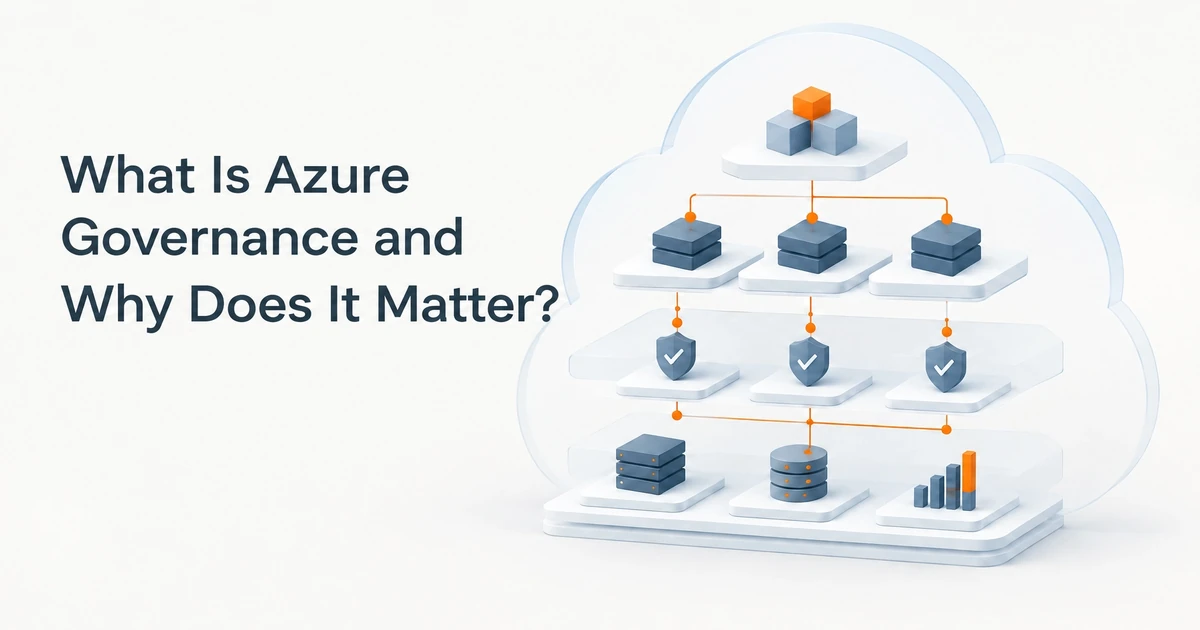
What Is Azure Governance and Why Does It Matter?
Azure governance is the set of rules, structures, and processes that keeps your Microsoft Azure environment controlled, consistent, and auditable. It defines how your organization manages cloud access, security, resource deployment, compliance requirements, and spending. Microsoft’s Cloud Adoption Framework describes governance as mechanisms and processes for maintaining control over Azure platforms, applications, and resources.
Think of Azure as a city. Governance is its building code and inspection schedule, not the buildings themselves. Without those guardrails, resources multiply, security settings drift, and no one knows who owns a cloud expense.
Good governance helps you avoid cost sprawl, close security gaps, gather compliance evidence, and deploy systems consistently. Moreover, it gives teams room to work without sacrificing oversight.
What Is Azure Governance?
Azure governance is the practical framework your organization uses to make cloud decisions and apply them consistently. It covers the structure of your Azure environment, who can access resources, which services teams can deploy, how those services must be configured, and how spending gets monitored.
Governance is not a single Azure product. It is also not just Azure Policy. Instead, it brings together people, business requirements, technical controls, and review processes. Azure Policy supplies important enforcement tools, while access controls, resource organization, cost reviews, and clear ownership complete the picture.
For example, a healthcare organization establishes approved regions, requires diagnostic logging, limits administrative access, and tags resources by application owner. A construction company separates project environments and assigns cost responsibility to the right team. The details differ, but the purpose stays the same: make Azure predictable and supportable.
Why Azure Governance Matters for Your Business
Control cost sprawl
Cloud services are easy to create, but that convenience can lead to untracked resources. Orphaned disks, oversized virtual machines, and shared subscriptions with no clear owner can all complicate your monthly bill.
Therefore, good cost management starts with visibility. Assign owners and cost-center tags, create budgets and alerts, and review resource usage regularly. With those controls, finance and IT can identify where spending comes from and investigate unexpected changes sooner.

Protect sensitive data and support compliance
Organizations handling health information, financial records, technical data, or regulated project documents need consistent controls. HIPAA, NIST, and ITAR obligations can influence how you manage access, encryption, logging, and data location. However, Azure settings alone do not make an organization compliant.
Governance helps translate your requirements into repeatable practices. You can set access baselines, require security configurations, and keep records that help teams demonstrate how controls apply. As a result, auditors and internal reviewers can examine a defined process instead of piecing together individual configuration decisions.
Keep environments consistent
Development, test, and production environments often serve different purposes. Without common standards, teams can configure each one differently, increasing the chance of errors during deployment or maintenance.
Governance establishes shared patterns for resource types, regions, naming, security, and deployment. Consequently, teams can build new environments that follow an approved baseline instead of relying on one-off, hand-built servers.
Make Azure easier to support
When resources lack clear names, tags, and owners, support teams spend time identifying what a resource does before they can troubleshoot it. That delay can affect availability and complicate change management.
A consistent naming and tagging approach makes resources easier to locate, understand, and maintain. In addition, clear ownership helps route alerts and review requests to the right people.
The Core Components of Azure Governance
Management groups and subscriptions
Azure management groups organize subscriptions into a hierarchy. Policies and access assignments can apply at appropriate levels, then carry through to resources below them. This makes it possible to manage shared requirements centrally while giving teams space to operate within defined boundaries.
Subscriptions can also separate workloads, teams, or environments. However, the structure should reflect operational and security needs, not just mirror the company organization chart.
Azure Policy
Azure Policy evaluates resources against your organization’s rules. Depending on the policy effect, it can report a noncompliant resource, block a deployment, or support corrective actions. For instance, you can audit whether resources use approved regions or deny deployments that violate a specific requirement.
Microsoft’s Azure Policy overview explains how policy definitions and assignments assess compliance across Azure scopes. Importantly, Azure Policy complements access management. Policy governs whether a resource meets a required state; access controls govern which actions a user can perform.
Role-based access control
Role-based access control, or RBAC, determines who can do what in Azure. Apply the principle of least privilege: give users and teams only the permissions they need for their work.
For example, an administrator who manages identities does not automatically need unrestricted access to every workload. Likewise, finance staff need cost visibility without permission to change production infrastructure. Separating responsibilities reduces risk and makes access decisions easier to review.
Tags and naming standards
Tags are labels attached to Azure resources. A useful tagging standard can capture owner, application, environment, cost center, and data classification. Naming standards add another layer of context by making resource purpose and location easier to recognize.
Moreover, Azure Policy can help check or enforce certain tagging requirements. Consistent metadata supports cost allocation, inventory, and operational troubleshooting.
Cost Management and budgets
Azure Cost Management helps you review cloud spending and set financial controls. Budgets and alerts give teams a prompt when spending approaches a defined threshold. Tags and subscription structure can also help you understand which workloads drive costs.
Cost controls do not replace regular review. Instead, they give finance and IT a shared starting point for investigating usage and planning resource changes.
Azure landing zone
An Azure landing zone is a governed foundation for deploying cloud workloads. It can include subscription structure, identity, networking, security, management, and governance practices.
Microsoft’s Azure landing zone governance design guidance outlines decisions organizations can make for policy, compliance, cost, and resource management. A landing zone does not need to start as a large enterprise project. You can build a foundation that fits your current environment and extend it as your needs grow.

How to Set Up Azure Governance in Practice
Start with a manageable set of decisions. Then expand controls as your cloud use and business requirements develop.
- Agree on the essentials. Decide which regions, resource types, naming rules, tags, and access model your organization needs. Include IT, finance, security, compliance, and workload owners.
- Build the hierarchy before adding more resources. Organize management groups and subscriptions around the workloads or control boundaries you need to manage.
- Start policies in audit mode. Review what a policy would flag before using a deny effect. This gives teams a chance to find exceptions and avoid blocking legitimate work.
- Assign policies at the right scope. Apply common controls centrally where practical. However, avoid adding broad restrictions that force unnecessary exceptions across every workload.
- Set budgets and alerts early. Give resource owners visibility into spending and create a process for reviewing alerts.
- Document exceptions. Record why an exception exists, who approved it, and when the team should review it again.
- Review and adjust regularly. Check access, policy results, spending, and ownership at a planned interval. Microsoft describes cloud governance as an ongoing process, not a one-time setup.
Common Azure Governance Mistakes
- Enforcing deny policies before testing. A rule can disrupt an approved deployment if teams do not understand its impact first.
- Treating governance as an IT-only project. Finance, compliance, security, and business owners need input because governance affects their responsibilities.
- Skipping tags. Without meaningful ownership and cost-center tags, cost allocation and support can become difficult.
- Putting everything in one subscription. A single shared boundary can make ownership and access separation harder as the environment grows.
- Providing no exception process. When teams cannot request a documented exception, they find ways around the rules.
- Setting controls once and forgetting them. Business requirements, workloads, and risks change, so governance needs ongoing review.
How Terminal B Helps With Azure Governance
Terminal B helps organizations plan and manage Azure environments as part of a broader IT and security strategy. As a Microsoft Security Solution Partner, we support Azure and Microsoft 365 management, Azure Virtual Desktop, identity and access management, and cloud security controls.
Our cybersecurity services can include endpoint detection and response (EDR), multifactor authentication (MFA), conditional access, and patch management. We can also review Azure spending, resource ownership, and operating practices as part of a governance discussion.
Through the Skytivity proactive managed IT model, organizations can also access 24/7/365 Secure Help Desk support and Sys Admin Services. Terminal B brings experience supporting regulated environments with requirements such as HIPAA, NIST, and ITAR. We are locally owned and serve organizations in Austin, San Antonio, and across Central Texas.
For internal link placement, consider linking this article from the Azure Cloud services page, the cybersecurity services page, and the managed IT services page. Related posts that can link here include EMR cloud migration challenges and Microsoft 365 data loss prevention. The Terminal B homepage can also link to this guide from its Azure services or blog section.
Plan Your Azure Governance Strategy
Whether you already run workloads in Azure or are planning a migration, clear governance can help you manage risk, support compliance, and make spending more visible. Start by identifying your organization’s requirements, then build controls that support your teams instead of slowing them down.
Schedule an IT strategy session with Terminal B to discuss your Azure environment, priorities, and next steps.
Frequently Asked Questions
What is Azure governance in simple terms?
Azure governance is the set of rules and processes that helps your organization manage cloud access, resources, security, compliance, and spending consistently.
Is Azure Policy the same as Azure governance?
No. Azure Policy is one enforcement and compliance tool within a broader governance approach. Governance also includes resource structure, access management, cost oversight, ownership, and review processes.
Do small businesses need Azure governance?
Yes. Small organizations benefit from clear resource ownership, access rules, and cost visibility. Start with a practical baseline, then add controls as your Azure environment grows.
How long does it take to implement Azure governance?
Timing depends on your environment, requirements, and current cloud structure. A focused starting phase can define ownership, naming, tags, access, and a few priority policies. More complex environments need additional assessment and staged implementation.
Who owns Azure governance internally?
Governance works best as a shared responsibility. IT typically manages the platform controls, while business leaders, finance, security, compliance, and workload owners help define requirements and review outcomes.
Related Posts