Construction companies face IT challenges in construction industry because their work happens across offices, jobsites,…
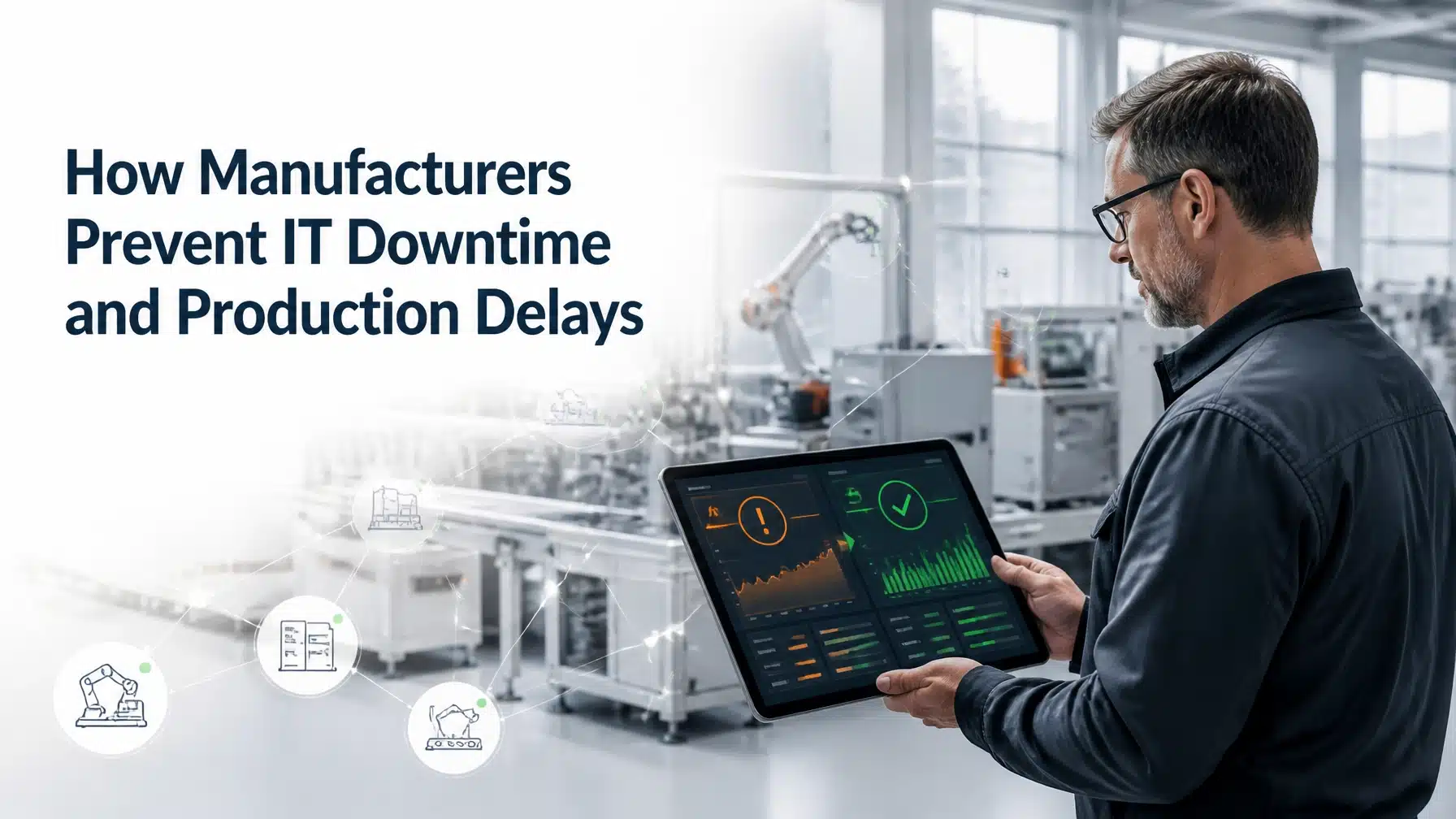
How Manufacturers Prevent IT Downtime and Production Delays
Manufacturers prevent manufacturing IT downtime by connecting proactive IT management with plant-floor resilience. That approach combines asset visibility, IT/OT segmentation, monitoring, tested backups, and practiced recovery procedures.
A small technology failure can stop scheduling, quality systems, warehouse operations, shipping, or production visibility. Therefore, plant leaders must treat IT availability as an operational priority, not only an administrative concern.
NIST’s manufacturing recovery guidance shows why preparation matters. Its analysis connects logging, visibility, cross-functional coordination, secure backups, and recovery planning with faster response. Separately, a NIST study found that establishments investing more heavily in preventive or predictive maintenance had up to 44% less downtime in the cited analysis. Results vary by plant, equipment, data quality, and implementation. The figure does not guarantee a specific outcome for every manufacturer.
Why manufacturing IT downtime causes production delays
Modern plants depend on interconnected systems. A failure in one system can quickly affect several others.
Information technology, or IT, supports business systems such as email, identity management, file storage, servers, cloud platforms, and business applications.
Operational technology, or OT, monitors and controls physical equipment and industrial processes. OT includes programmable logic controllers, sensors, robots, industrial computers, and control networks.
Industrial control systems, or ICS, combine hardware and software that control manufacturing processes. They can include PLCs, human-machine interfaces, supervisory control and data acquisition systems, and distributed control systems.
Your plant may also depend on:
- Enterprise resource planning, or ERP, for purchasing, inventory, production orders, finance, and customer fulfillment.
- Manufacturing execution systems, or MES, for scheduling, work instructions, production tracking, and quality data.
- Warehouse management systems and barcode scanners.
- Label printers, wireless networks, and shipping platforms.
- Cloud applications and supplier portals.
- Remote maintenance tools and vendor connections.
- Data historians that collect and display equipment information.
Consequently, an issue that begins with a firewall, identity provider, database, or wireless controller can become a production problem.
Example: A remote-access incident affects shipping
Example only, not a Terminal B client claim: A compromised remote-access account connects to a plant network outside the approved maintenance window. The plant isolates the affected network segment while IT and engineering investigate.
Production equipment remains safe, but scheduling screens become unavailable. Warehouse scanners cannot retrieve order data, and shipping teams cannot verify completed work. Production resumes after systems are validated, yet outbound shipments remain delayed.
This scenario demonstrates an important principle: containment can protect production while still interrupting the systems surrounding production.
8 ways manufacturers prevent manufacturing IT downtime and production delays
1. Build a complete IT and OT asset inventory
You cannot protect or recover systems you have not identified.
Your inventory should include:
- Endpoints, servers, storage, switches, firewalls, wireless access points, and power equipment.
- PLCs, HMIs, SCADA servers, DCS components, robots, sensors, and industrial PCs.
- Firmware versions, operating systems, applications, and configuration files.
- ERP, MES, warehouse, quality, scheduling, and shipping platforms.
- Cloud services, data flows, integrations, and external dependencies.
- Vendors, system integrators, remote-access accounts, and service owners.
- Backup locations and recovery dependencies.
Document which systems can stop production. Then rank them by safety, operational, quality, and customer impact.
Maintain network diagrams and data-flow maps alongside the inventory. During an incident, accurate documentation can reduce isolation and recovery time.
2. Monitor infrastructure before failures affect production
Monitoring should extend beyond office servers.
A manufacturing IT support program should monitor critical infrastructure around the clock. Useful signals include:
- Server health, storage capacity, and database performance.
- Network latency, packet loss, link failures, and wireless coverage.
- Backup completion and failed jobs.
- Expiring certificates and unavailable services.
- Security alerts and unusual authentication activity.
- MES, ERP, warehouse, and production integrations.
- Industrial gateways and other approved OT telemetry.
- Environmental conditions in server rooms and network closets.
Every alert also needs an owner. Define who receives the alert, who investigates it, and who communicates production impact.
Moreover, trend monitoring can reveal gradual degradation. A storage volume filling slowly or a wireless controller experiencing repeated errors may create a future outage.

3. Separate and secure IT and OT networks
IT and OT require different security decisions. IT often prioritizes confidentiality and flexibility. OT usually prioritizes safety, integrity, availability, and predictable performance.
Therefore, do not place plant-floor systems on a flat corporate network.
Use a risk-based architecture that may include:
- Network segmentation by function and criticality.
- Firewalls between corporate, manufacturing, and industrial zones.
- A demilitarized zone, or DMZ, between IT and OT environments.
- Least-privilege rules that permit only required traffic.
- Secure remote-access jump hosts.
- Strong authentication for engineers, vendors, and administrators.
- Controlled vendor connections with defined time windows.
- Logging for remote sessions and configuration changes.
NIST SP 800-82 Rev. 3 explains why OT security controls must account for performance, reliability, and safety. Likewise, CISA’s primary OT mitigations recommend removing unnecessary public exposure, securing remote access, segmenting IT and OT networks, and maintaining manual operating capability.
4. Patch and maintain systems without disrupting operations
Manufacturers cannot apply every patch immediately. OT systems often require testing, vendor coordination, validation, and planned maintenance windows.
Build a risk-based maintenance process that includes:
- Testing patches in a representative environment when possible.
- Scheduling changes around production requirements.
- Tracking firmware and software versions.
- Creating rollback procedures.
- Documenting unsupported systems and known exceptions.
- Applying compensating controls to legacy equipment.
- Coordinating IT, engineering, operations, safety, and vendors.
- Reviewing changes after implementation.
A compensating control may include tighter segmentation, restricted remote access, application allowlisting, additional monitoring, or a documented manual procedure.
The goal is not to delay maintenance indefinitely. Instead, the goal is to reduce risk without introducing an avoidable production outage.
5. Protect identities and remote access
Stolen credentials can turn a small access weakness into a production incident.
Manufacturers should use:
- Multifactor authentication, or MFA, for remote access and privileged accounts.
- Phishing-resistant MFA where feasible.
- Unique accounts instead of shared credentials.
- Separate IT and OT credentials.
- Privileged access reviews.
- Just-in-time access for sensitive systems where practical.
- Session logging and vendor activity records.
- Rapid offboarding for employees and contractors.
- Automatic disabling of dormant accounts.
CISA specifically recommends strong authentication, least privilege, and disabling dormant accounts for remote OT access.
User education also matters. Train operators, engineers, maintenance staff, and vendors to recognize unusual system behavior. A suspicious HMI message, unexpected PLC change, or unusual login deserves immediate reporting.
6. Use preventive and predictive maintenance data wisely
Preventive maintenance follows a schedule. Predictive maintenance uses condition data such as temperature, vibration, noise, error rates, or energy consumption.
Both approaches can reduce surprise failures. However, predictive maintenance depends on reliable sensors, clean data, useful thresholds, and clear maintenance workflows.
The IT environment supports those workflows. Network interruptions can prevent sensor data from reaching analytics platforms. Database failures can hide trends. Poor access controls can compromise maintenance records.
NIST’s machinery maintenance research found that predictive-maintenance-focused establishments showed lower downtime in the cited analysis. The study also cautions that outcomes vary and that the observed relationships do not prove a universal cause.
Start with critical assets. Connect condition monitoring to work orders, escalation procedures, spare-parts planning, and production scheduling.
7. Maintain resilient backups and recovery procedures
Backups protect more than business documents. Manufacturing recovery may require:
- ERP and MES databases.
- PLC programs and HMI configurations.
- Network device configurations.
- Server images and application data.
- Recipes, work instructions, and quality records.
- Historian data and reporting systems.
- Identity and access configurations.
- Vendor software and license information.
Consider immutable or offline copies. Protect backup credentials separately from production credentials. Monitor backup jobs continuously.
Then test restoration. A successful backup job does not prove that recovery will work.
Define:
- Recovery time objective, or RTO: how quickly a system must return to service.
- Recovery point objective, or RPO: how much data loss the organization can tolerate.
Document system dependencies. For example, restoring an MES may require identity services, databases, network connectivity, licensing, and specific application servers.
Also prepare manual fallback procedures. These might include paper travelers, manual production records, offline label processes, or local machine controls. CISA recommends testing the ability to operate OT systems manually when necessary.

8. Practice incident response and production recovery
A plan that exists only in a folder will not guide an effective response.
Your incident response plan should assign roles to:
- IT and cybersecurity.
- OT engineering and controls specialists.
- Plant operations.
- Safety leadership.
- Executive management.
- Legal and compliance.
- Communications.
- Cyber insurance representatives.
- Vendors and system integrators.
- Law enforcement or government contacts where applicable.
Define who can isolate a network, stop a process, approve restoration, contact customers, and communicate internally.
The NIST NCCoE manufacturing practice guide demonstrates how logging, asset documentation, network isolation, secure backups, and cross-functional coordination support response and recovery.
Run tabletop exercises. Practice scenarios involving ransomware, compromised remote access, corrupted HMI files, unavailable cloud services, and loss of network connectivity. After each exercise, document gaps and assign owners.
How to prevent production delays caused by cybersecurity incidents
Cybersecurity incidents can begin with phishing, ransomware, exposed remote access, compromised vendors, unapproved software, or vulnerable industrial systems.
A defense-in-depth strategy reduces the chance that one failure will stop the entire operation. It combines people, processes, technology, and physical safeguards.
Use this practical checklist:
- Remove unnecessary internet exposure from OT assets.
- Replace default and shared passwords.
- Require MFA for remote and privileged access.
- Segment corporate, manufacturing, and safety-related networks.
- Restrict vendor access by user, asset, time, and purpose.
- Monitor authentication, network traffic, and configuration changes.
- Maintain tested backups for IT and OT configurations.
- Validate software and firmware before deployment.
- Train employees to report suspicious system behavior.
- Define safe shutdown and manual operating procedures.
- Coordinate incident response with engineering and operations.
- Review suppliers and system integrators for access and recovery responsibilities.
The NIST Cybersecurity Framework 2.0 Manufacturing Profile provides a voluntary, risk-based roadmap. It is guidance, not a blanket legal or regulatory requirement. However, specific contracts, customer requirements, insurance conditions, or industry obligations may make particular controls applicable to your organization.
Metrics manufacturers should track
Metrics should show reduced operational risk. More tickets or alerts do not automatically indicate better performance.
Track:
- Percentage of IT and OT assets documented.
- Percentage of critical systems monitored.
- Patch and firmware compliance, including approved exceptions.
- Age of critical vulnerabilities.
- MFA coverage for users and privileged accounts.
- Vendor-access review completion.
- Backup success rates.
- Restoration-test success rates.
- Mean time to detect and respond.
- Recovery exercise completion.
- Unplanned downtime by cause.
- Production-impacting incidents.
- Time to restore critical services.
- Number of recurring incidents closed through root-cause analysis.
Review these metrics with plant leadership. Connect every technical metric to safety, throughput, quality, delivery, or customer commitments.
What a manufacturing downtime prevention plan should include
A practical plan should include:
- Current-state IT and OT assessment.
- Critical-process and production-impact map.
- System dependency and data-flow map.
- Risk register with owners and priorities.
- Monitoring and escalation plan.
- Patch and maintenance calendar.
- Backup and recovery plan.
- Incident-response playbooks.
- Vendor contact list and access process.
- Communication plan.
- Ownership matrix for IT, OT, operations, and safety.
- Quarterly review and improvement cadence.
Your plan should reflect the plant you operate today. Update it after acquisitions, equipment changes, cloud migrations, new suppliers, and production-line expansions.
How Terminal B supports manufacturing resilience
Terminal B’s Skytivity proactive managed IT model helps manufacturers reduce avoidable outages and manage technology as an operational asset.
Our support can include:
- 24/7/365 Skytivity Secure Help Desk.
- Sys Admin Services for complex infrastructure operations.
- Proactive monitoring and maintenance.
- Patch management and lifecycle planning.
- Endpoint detection and response, or EDR.
- Mobile device management, or MDM.
- MFA deployment and identity protection.
- Security awareness training.
- Backup and recovery planning.
- Microsoft 365 and Azure management.
- Microsoft Security Solution Partner expertise.
- Strategic IT consulting and vCIO guidance.
- Quarterly business reviews focused on business outcomes.
Terminal B serves organizations across Central Texas and beyond, with a local Austin presence. Our experience spans manufacturing, high tech, construction, healthcare, life sciences, financial services, and other regulated industries.
We coordinate documentation, communication, and escalation between IT and operations. As a result, your leaders gain a clearer view of risk, priorities, and recovery readiness.
Learn more about managed IT services for proactive technology support or explore strategic IT consulting for a long-term resilience plan.
Build a stronger manufacturing IT downtime strategy
Your plant should not depend on informal knowledge, untested backups, or one person who knows how everything works.
Terminal B can help you assess critical dependencies, improve monitoring, strengthen IT/OT security, and create a recovery plan aligned with production priorities. Schedule an IT strategy session with Terminal B to discuss your plant’s current risks and next steps.
Frequently Asked Questions
What is the biggest cause of IT downtime in manufacturing?
No single cause affects every plant. Common causes include equipment failure, software or network problems, cyber incidents, power or connectivity issues, third-party outages, human error, and weak recovery processes.
Manufacturers often increase risk when they lack asset visibility, dependency maps, maintenance discipline, or tested backups.
How can manufacturers reduce IT-related production delays?
Start by identifying production-critical systems and dependencies. Then implement monitoring, IT/OT segmentation, risk-based patching, strong remote access controls, tested backups, and practiced recovery procedures.
Also define clear escalation paths between IT, engineering, operations, and plant leadership.
What is the difference between IT and OT security?
IT security protects information systems, identities, applications, and data. OT security protects systems that monitor or control physical processes.
OT security must account for safety, real-time performance, availability, equipment constraints, and planned maintenance windows. Therefore, IT controls should not be applied to OT without operational testing and engineering input.
How often should manufacturers test backups and recovery procedures?
Test according to system criticality and operational risk. Critical systems require regular restoration testing, not only backup verification.
Include both IT and OT configurations. Test dependencies, credentials, licenses, spare equipment, manual workarounds, and communication procedures.
Can a managed IT provider support manufacturing environments?
Yes, when the provider understands production priorities and coordinates with plant operations and engineering.
A capable provider can support monitoring, identity, endpoint security, backups, infrastructure, cloud systems, documentation, and incident coordination. OT changes still require appropriate plant, engineering, safety, and vendor involvement.
Related Posts