Cloud adoption offers unparalleled agility for modern businesses. However, that agility often comes with a…
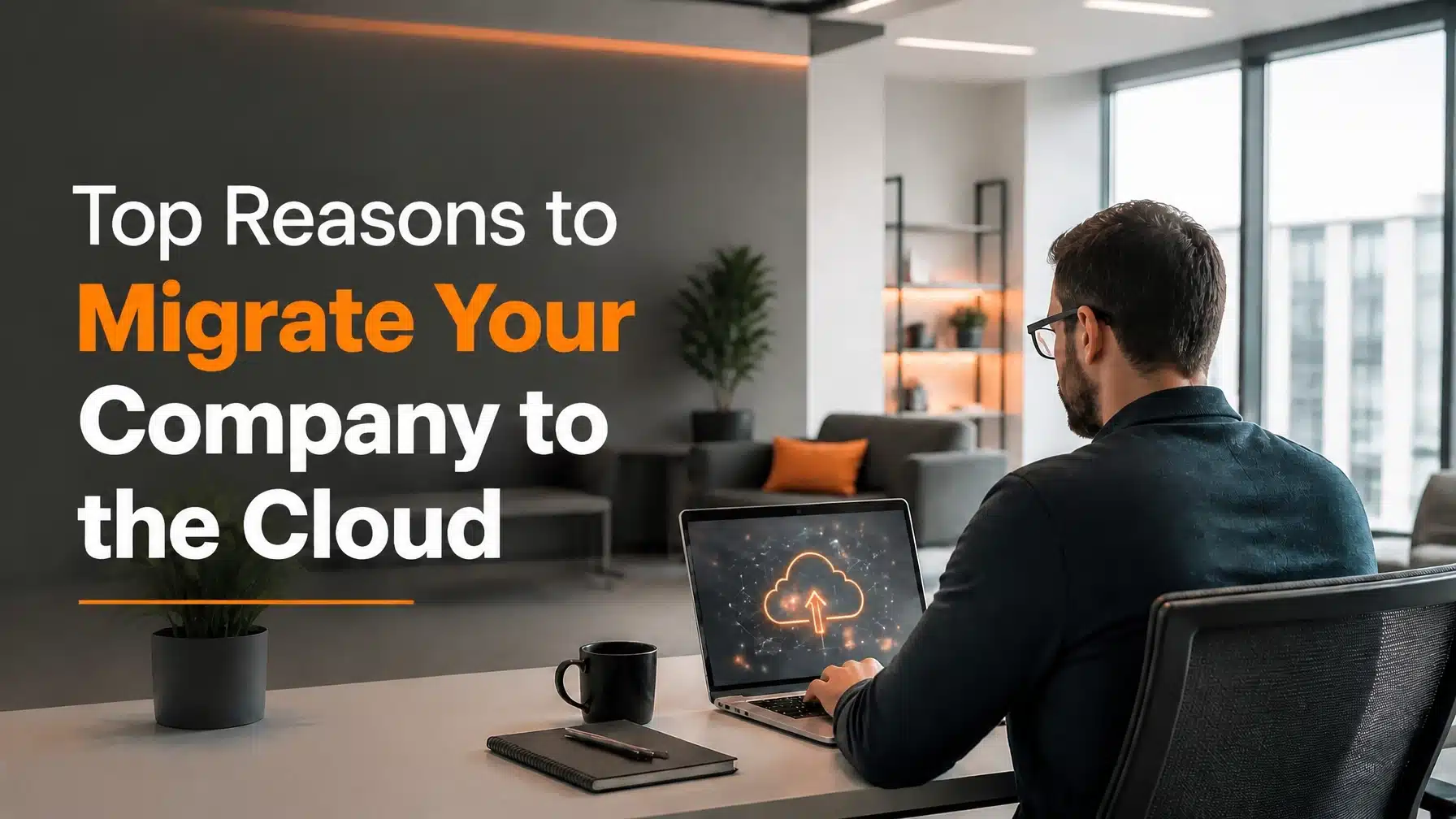
Top Reasons to Migrate Your Company to the Cloud
Updated: June 1, 2026
Modern business leaders no longer view the cloud as a luxury. Instead, they recognize it as the primary engine for organizational growth and resilience. Cloud computing consulting helps you evaluate risk, build a realistic migration roadmap, and align technology decisions with business goals. The decision to migrate your company to the cloud represents a fundamental shift in how you manage your technology and capital. Many Texas organizations are currently moving away from legacy hardware to embrace the agility of the Microsoft ecosystem. This transition allows you to focus on your core business goals while professional experts manage the complex backend infrastructure.
Cloud migration offers more than just remote access to your files. It provides a robust framework for security, financial predictability, and rapid scalability. Consequently, businesses that leverage cloud technologies often outperform their peers in speed to market and operational efficiency. Recent research from Microsoft Azure and its customer adoption resources continues to show that businesses move faster when they modernize infrastructure and standardize operations in the cloud. Effective cloud computing consulting ensures that your organization chooses the right workloads, security controls, and governance model from the start. By partnering with a Microsoft Security Solution Partner, you ensure that your migration follows industry best practices for safety and performance.
In this guide, we explore why migrating is the right move for your organization right now. We will examine the financial benefits, security enhancements, and the operational freedom that modern cloud solutions provide. We also show how cloud computing consulting supports better decision-making before, during, and after migration. Whether you operate in healthcare, finance, or construction, the cloud offers specialized tools to meet your unique compliance needs.
Financial Agility: Cloud Computing Consulting for CapEx to OpEx
The traditional IT model requires significant upfront investments in physical servers and networking equipment. These capital expenditures (CapEx) often tie up valuable cash flow that you could use for business development. Furthermore, physical hardware depreciates quickly and requires expensive maintenance over time. When you migrate your company to the cloud, you transition to an operational expenditure (OpEx) model. This shift provides immediate financial flexibility for your organization.
Eliminate Wasteful Hardware Spending
Maintaining on-site servers often leads to over-provisioning. Many companies buy more capacity than they need to account for future growth. Consequently, you pay for resources that sit idle for months or years. Cloud environments solve this problem through a pay-as-you-go structure. You only pay for the computing power and storage you actually use today. As a result, your IT budget becomes predictable and aligns directly with your current business activity.
Reduce Hidden Maintenance Costs
Ownership of physical hardware involves many hidden costs. You must pay for electricity to run the equipment and cooling systems to prevent overheating. Additionally, your internal IT team must spend hours on routine patches, hardware failures, and firmware updates. When you move to the cloud, the provider manages the physical infrastructure. This allows your team to focus on strategic projects that drive revenue. Terminal B helps organizations optimize these costs by utilizing advanced Azure management tools. Strong cloud computing consulting also helps you avoid waste by right-sizing environments before you deploy them.
Enhanced Security through Cloud Computing Consulting, Zero Trust, and Microsoft Entra ID
Security remains a top concern for every executive in the current landscape. Ransomware and data breaches continue to evolve in complexity and frequency. However, modern cloud platforms offer security features that most on-premise environments cannot match. When you migrate your company to the cloud, you gain access to enterprise-grade protection managed by global experts. More importantly, cloud computing consulting helps you apply those protections in ways that match your workflows, compliance needs, and user behavior.

Implementing a Zero Trust Framework
The “Zero Trust” model operates on a simple principle: never trust, always verify. Every access request requires full authentication and encryption. Microsoft Azure provides the perfect foundation for this strategy. It uses identity-based security rather than relying on a traditional network perimeter. This approach significantly reduces the risk of lateral movement if a single device is compromised. The NIST Cybersecurity Framework reinforces this need for structured governance, risk assessment, and continuous improvement. As a Microsoft Security Solution Partner, Terminal B specializes in configuring these layered defenses to protect your sensitive data. In practice, cloud computing consulting turns Zero Trust from a buzzword into an operational plan your team can actually follow.
Centralized Identity with Microsoft Entra ID
Managing passwords and access levels across dozens of applications is a common pain point. Microsoft Entra ID (formerly Azure AD) solves this by providing a single, secure identity for each employee. You can implement Multi-Factor Authentication (MFA) across your entire organization with ease. Moreover, you gain the ability to revoke access instantly if an employee leaves or a device is lost. This centralized control is essential for maintaining a high security posture in a modern work environment.
Scalability for Rapid Texas Growth
Texas continues to see massive economic expansion in cities like Austin and San Antonio. For businesses in these regions, the ability to scale quickly is a competitive advantage. Traditional IT systems often slow down growth because adding new capacity takes weeks of ordering and installing hardware. When you migrate your company to the cloud, scalability happens in minutes rather than months.
Instant Resource Provisioning
The cloud allows you to spin up new servers or increase storage capacity with a few clicks. If your business experiences a seasonal surge, you can scale up to handle the load. Once the demand subsides, you can scale back down to save costs. This elasticity ensures that your technology never becomes a bottleneck for your ambitions. Terminal B supports high-growth firms by ensuring their cloud-managed services are always aligned with their expansion goals.
Supporting Multi-Location Expansion
Opening a new office location used to involve complex networking and site-to-site VPN configurations. The cloud simplifies this by providing a central hub for all your data and applications. New employees can get to work immediately using their existing credentials from any location. This seamless connectivity is vital for organizations that are expanding across Texas or moving into the national market.
Empowering Hybrid Work with Cloud Computing Consulting and Azure Virtual Desktop
The modern workforce expects flexibility. Whether your team works from home, at a client site, or in the office, they need reliable access to their tools. Cloud migration enables a consistent experience across all devices. This flexibility is no longer just a perk; it is a necessity for attracting and retaining top talent. Thoughtful cloud computing consulting helps you choose the right remote access model, secure unmanaged endpoints, and support user productivity without increasing risk.

Secure Remote Access with Azure Virtual Desktop
Azure Virtual Desktop (AVD) provides a full Windows experience from any device. Your employees can access their business applications securely without the need for complex VPNs. This is particularly useful for organizations that use specialized software that doesn’t run natively in a web browser. AVD keeps the data in the cloud rather than on the local device. As a result, you maintain control over your intellectual property even when employees work remotely. For a deeper look at this technology, check out our Azure Virtual Desktop guide.
Collaborative Productivity in Microsoft 365
Migrating to the cloud often starts with Microsoft 365. Tools like Teams and SharePoint allow your team to collaborate in real-time on documents and projects. You no longer need to worry about multiple versions of files or messy email chains. This streamlined communication improves productivity and ensures everyone is working with the latest information. We frequently share Microsoft 365 hacks to help our clients maximize the value of these cloud tools. In many engagements, cloud computing consulting also includes change management so your employees actually adopt the tools you implement.
Cost Optimization Using Azure Native Tools
One common fear about the cloud is the risk of runaway costs. Without proper management, it is easy to leave expensive resources running when they are not needed. However, the Microsoft Azure platform provides powerful tools to monitor and control your spending. Effective cost management is a core part of a successful migration strategy.
Visualizing Your Spend
Azure Cost Management provides detailed reports on where your money is going. You can break down costs by department, project, or specific service. This transparency allows you to hold different teams accountable for their usage. Terminal B works with clients to set up budget alerts and automated reports. These notifications ensure that you are never surprised by your monthly invoice.
Leveraging Reserved Instances
If you know you will need a certain amount of computing power for the next few years, you can save money by committing to a “Reserved Instance.” This can reduce your costs by up to 72% compared to pay-as-you-go pricing. Furthermore, the Azure Hybrid Benefit allows you to use your existing on-premise Windows Server licenses in the cloud. These strategies demonstrate how a professional Microsoft Security Solution Partner can help you achieve significant savings.
Specialized Focus for Regulated Industries
Certain industries face strict regulatory requirements regarding data privacy and security. Healthcare and financial services organizations often worry that the cloud might compromise their compliance. In reality, the cloud often provides a more compliant environment than a typical on-site server room.

HIPAA Compliance in the Cloud
For doctors’ offices and medical clinics, protecting Patient Health Information (PHI) is non-negotiable. Microsoft Azure offers a comprehensive suite of compliance certifications, including HIPAA and HITRUST. When you migrate your company to the cloud, you can sign a Business Associate Agreement (BAA) with Microsoft. This ensures that the underlying infrastructure meets legal standards. We have helped many clinics understand the benefits of managed IT services for doctors’ offices while maintaining strict HIPAA compliance.
Security for Financial Services
Financial firms must protect sensitive client data against sophisticated cyber threats. The cloud provides advanced encryption at rest and in transit. Additionally, automated logging and auditing features make it easier to prove compliance during inspections. By moving to the cloud, finance organizations can leverage the same security tools used by global banks. This levels the playing field for mid-sized firms competing with larger institutions. For firms dealing with audits, retention requirements, and vendor risk, cloud computing consulting creates the governance structure needed to keep cloud adoption practical and defensible.
The Strategy for a Successful Migration
Migration is not a single event; it is a strategic process. Attempting to move everything at once without a plan can lead to downtime and frustration. A structured approach ensures a smooth transition with minimal impact on your daily operations.
Assessment and Planning
The first step involves a thorough assessment of your current environment. You must identify which applications are ready for the cloud and which might need updating. Some legacy software may require specific configurations to run effectively in a virtualized environment. During this phase, we also evaluate your network bandwidth to ensure a fast connection to cloud resources. This is where cloud computing consulting delivers the most value because it connects business priorities, technical dependencies, and compliance obligations before migration begins.
Phased Migration Approach
We often recommend a phased approach to migrate your company to the cloud. We start with low-risk workloads to build confidence and refine our processes. For example, moving email to Microsoft 365 is usually the first step for many businesses. From there, we might move file storage to SharePoint and then transition business-critical applications to Azure. This methodical pace reduces risk and allows your employees to adapt to new workflows gradually. Effective cloud computing consulting keeps each phase measurable, realistic, and aligned with your operational tolerance for change.
Conclusion: Partnering for Cloud Success
The reasons to migrate your company to the cloud are clear. You gain financial predictability, world-class security, and the ability to scale your business at the speed of the modern market. However, the path to the cloud requires expert guidance to avoid common pitfalls. That is why cloud computing consulting plays such an important role in successful modernization efforts. Choosing a partner with deep technical knowledge and a focus on security is the most important decision you will make.
Terminal B stands ready to be that partner. As a Microsoft Security Solution Partner, we have the experience to guide your Texas-based business through every step of the journey. We don’t just move your data; we transform your IT into a strategic asset that supports your long-term vision. From my perspective as CEO, the most successful migrations happen when leadership treats cloud adoption as a business strategy, not just an infrastructure project. That is exactly where strong cloud computing consulting delivers lasting value.
Ready to start your journey? Our strategy session is a true conversation. We will learn about your specific challenges and goals. Together, we can build a cloud roadmap that empowers your organization to thrive.
Schedule your Strategy Session with Terminal B today.
Frequently Asked Questions
How long does it take to migrate your company to the cloud?
The timeline for cloud migration varies significantly based on the complexity of your current infrastructure. A simple migration of email and files might take a few weeks. Conversely, moving a complex enterprise environment with many custom applications could take several months. We prioritize a phased approach to minimize disruption to your operations. In most cases, cloud computing consulting shortens the timeline because it identifies risks, dependencies, and sequencing issues early.
Is my data safer in the cloud than on my own server?
In almost every case, yes. Cloud providers like Microsoft invest billions of dollars annually in security. They offer 24/7 monitoring, advanced encryption, and physical security measures that are far beyond what a typical mid-sized business can afford. When you migrate your company to the cloud, you inherit this high level of protection.
What happens if the internet goes down?
Modern cloud strategies include “offline” capabilities for many productivity tools. For example, you can continue to work on files in Microsoft 365, and they will sync once your connection returns. For mission-critical systems, we often implement redundant internet connections (such as fiber and 5G backup) to ensure you are always connected to your cloud resources.
Will cloud migration save me money immediately?
While you may see immediate savings by eliminating hardware maintenance and electricity costs, the greatest financial benefit is long-term. The move from CapEx to OpEx provides better cash flow management. Additionally, the increased productivity and reduced downtime often lead to a much higher return on investment over time.
Can I migrate only some of my systems?
Absolutely. This is known as a hybrid cloud approach. Many organizations choose to keep certain sensitive or legacy systems on-premise while moving everything else to the cloud. This provides a balance of control and flexibility. We can help you determine the best mix for your specific business requirements.
About the Author:
Greg Bibeau is the Founder and CEO of Terminal B with over three decades of experience in the IT industry. He is a passionate advocate for using technology to simplify business operations and drive sustainable growth for organizations across Texas. Under his leadership, Terminal B has become a leading Microsoft Security Solution Partner, known for its proactive Skytivity model and commitment to client success.
Related Posts