Security leaders across Texas are preparing for a fundamental shift in how employees access corporate…
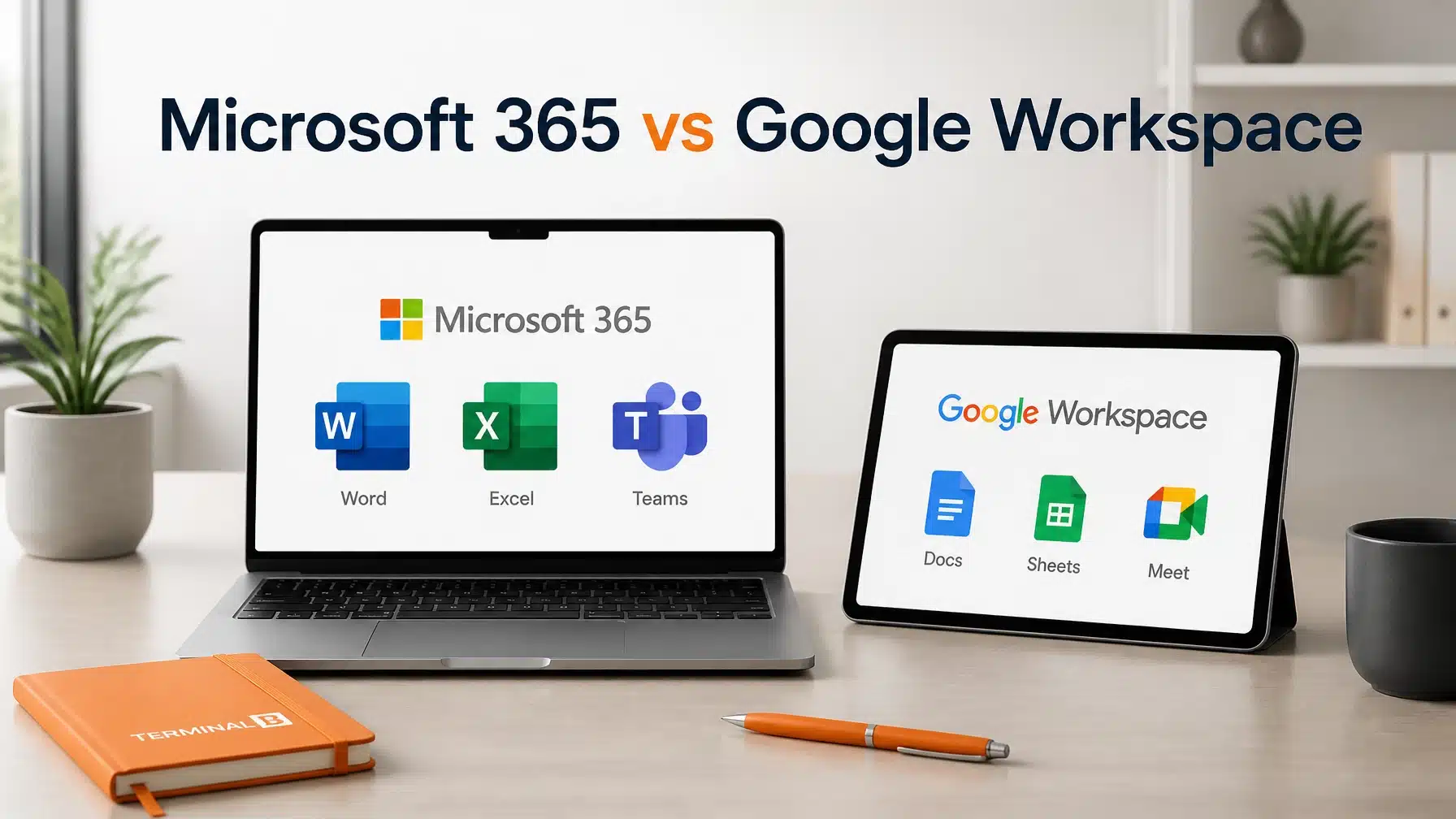
Microsoft 365 vs Google Workspace: which is better for business?
Choosing between Microsoft 365 and Google Workspace often feels like a permanent fork in the road. Both platforms dominate the modern office landscape with powerful productivity tools. However, the right choice depends heavily on your specific industry and operational needs. Recent data from MedhaCloud shows that Microsoft 365 currently supports roughly 446 million paid seats. This massive adoption reflects its deep integration into the corporate world.
For most businesses in Texas, the decision comes down to security and compliance requirements. If your organization operates in healthcare, finance, or construction, you need more than just an email inbox. You require a robust infrastructure that protects sensitive data. Microsoft 365 offers a comprehensive suite of security tools that often surpasses the native capabilities of Google Workspace. Consequently, many growing organizations find that Microsoft provides a more scalable and secure foundation for long-term growth.
The choice often hinges on a few critical factors: user experience, AI capabilities, and total cost of ownership. While Google Workspace shines with browser-based agility, Microsoft 365 offers unmatched desktop power. Recent statistics indicate that 58% of platform-switchers in a recent study moved from Google Workspace to Microsoft 365. This shift highlights a growing trend toward the integrated security and deep functionality found in the Microsoft ecosystem.
User Experience: Desktop Power vs. Browser Agility
The user experience defines how your employees interact with technology every single day. Google Workspace was built for the web from the very beginning. It offers a lightweight, collaborative experience that lives almost entirely in the browser. This approach works exceptionally well for teams that prioritize speed and simplicity over complex formatting. However, browser-based tools can sometimes struggle with extremely large datasets or intricate document designs.
Microsoft 365 provides the best of both worlds with powerful desktop applications and modern web versions. Most professionals still prefer the desktop versions of Excel and Word for intensive tasks. These applications offer thousands of features that browser-only alternatives simply cannot match. Furthermore, the offline capabilities of Microsoft 365 ensure that your team stays productive even without a stable internet connection.
Your choice should reflect the complexity of your daily work. If your team performs heavy data analysis or complex project modeling, Microsoft 365 is the clear winner. If your workflows are primarily text-based and highly collaborative, Google’s simplicity might appeal to you. Nevertheless, the familiarity of the Microsoft interface remains a standard requirement for most Texas-based businesses.
Collaboration: Microsoft Teams vs. Google Meet

Collaboration tools have become the heartbeat of the modern office. Microsoft Teams has reached a staggering 320 million users, making it the most popular communication platform in the world. It serves as a unified hub for chat, video meetings, and file sharing. Because Teams integrates directly with the rest of the Microsoft stack, your employees can collaborate on documents without ever leaving the app.
Google Meet offers a more streamlined video conferencing experience. It is famous for its “one-click” join functionality and its reliability within the Google ecosystem. While Google Meet is excellent for quick calls, it lacks the deep project management and file-structure integration found in Teams. As a result, organizations that require structured communication often find Teams more effective for complex operations.
Effective collaboration requires a platform that bridges the gap between communication and execution. Microsoft Teams excels at this by allowing users to pin specific files and apps directly within a chat channel. This level of organization is particularly valuable for construction and engineering firms in Texas. These industries often manage thousands of documents across multiple project sites simultaneously.
The AI Revolution: Microsoft 365 Copilot vs. Google Gemini

Artificial Intelligence (AI) is transforming how we handle repetitive tasks and data analysis. Microsoft 365 Copilot acts as an intelligent assistant that lives inside your favorite apps. It can draft emails in Outlook, analyze trends in Excel, and create full presentations in PowerPoint. While Copilot is an optional add-on ranging from $21 to $30 per user per month, its ability to leverage your existing tenant data provides a massive productivity boost.
Google Gemini offers a similar set of AI features directly within Workspace. Google has integrated Gemini into its standard plans in some regions, typically costing around $14 per user per month for the business tier. Gemini is fast and intuitive, making it great for summarizing long email threads or generating creative copy. However, it often lacks the deep cross-app integration that makes Microsoft Copilot a true “work assistant.”
When evaluating AI, consider how much you rely on structured data. Microsoft Copilot excels at pulling information from across your entire IT environment. It respects your existing security permissions, ensuring that AI only accesses data that a user is authorized to see. This focus on secure, data-driven AI makes Microsoft the preferred choice for organizations that handle sensitive corporate intelligence.
Security and Compliance: Why Regulated Industries Choose Microsoft

Security is the primary reason why many Texas businesses choose Microsoft 365. For industries like healthcare and finance, compliance with HIPAA or NIST standards is not optional. Microsoft 365 Business Premium includes a comprehensive security stack out of the box. This plan features Microsoft Defender for endpoint protection, Intune for device management, and Entra ID for identity verification.
Google Workspace provides strong security features, but they are often simpler and less granular. While you can secure a Google environment, achieving the same level of control usually requires higher-tier Enterprise plans. Microsoft’s integrated approach allows IT administrators to enforce strict policies across all devices and applications from a single dashboard. Consequently, Microsoft 365 makes it much easier to pass a security audit.
Compliance requires more than just a password. It requires data loss prevention (DLP) and sensitivity labels that follow documents wherever they go. Microsoft Purview provides these advanced capabilities, allowing you to track and protect sensitive information automatically. For any Texas organization concerned with cybersecurity services, Microsoft remains the gold standard for platform security.
Pricing and Total Cost of Ownership (TCO)
Comparing the cost of Microsoft 365 vs Google Workspace requires looking beyond the monthly sticker price. You must consider the “Total Cost of Ownership.” Microsoft 365 Business Premium often replaces several third-party tools. By using the included Defender and Intune features, you can often eliminate separate costs for antivirus and mobile device management (MDM) software.
Google Workspace plans are often perceived as cheaper at the entry level. However, as your business grows and regulatory requirements increase, the cost of adding third-party security layers can add up quickly. Microsoft’s “all-in-one” licensing model provides predictable costs for a comprehensive IT stack. This predictability is vital for SMBs in Texas that need to manage tight operational budgets.
Your IT strategy should focus on value rather than just the lowest price. A cheaper platform that requires more manual management can actually cost you more in the long run. Since Microsoft 365 is the corporate standard, finding skilled IT support and trained employees is also much easier. This widespread availability of talent further reduces your long-term operational risks.
Making the Switch: Why 58% of Businesses are Choosing Microsoft
The shift toward Microsoft 365 is driven by a need for centralization and advanced security. Many organizations start on Google Workspace because it is easy to set up for a small team. However, as they reach 20 or more employees, the need for structured management becomes critical. The fact that 58% of switchers chose Microsoft indicates that the platform’s depth eventually outweighs Google’s simplicity.
Migrating to a new platform is a significant undertaking. However, the long-term benefits of a unified ecosystem usually justify the effort. Microsoft has invested heavily in making the transition from Google as seamless as possible. With the right guidance, you can move your emails, files, and calendars with minimal disruption to your daily operations.
Texas businesses are increasingly prioritizing cloud security as part of their growth strategy. Microsoft’s commitment to security-first innovation aligns perfectly with this goal. By moving to a platform designed for the enterprise, you provide your team with the tools they need to compete at a higher level.
How Terminal B Guides Your Platform Strategy

Choosing the right platform is only the first step. You also need to configure it correctly to avoid common Microsoft 365 security mistakes. At Terminal B, we serve as a Microsoft Security Solution Partner to help you navigate these complex decisions. We specialize in helping Texas-based organizations in regulated industries maximize their technology investment.
We don’t just provide licenses; we provide a comprehensive strategy. Our team ensures that your security policies, identity management, and AI configurations align with your business goals. Whether you are looking to migrate to the cloud or optimize your current setup, we provide the expert guidance you need. We help you turn your IT infrastructure into a competitive advantage rather than a source of stress.
Technology should empower your business to grow, not hold it back. By partnering with a dedicated Managed IT team, you can focus on your core objectives while we handle the technical complexity. Our “Skytivity” model ensures that your environment remains secure, compliant, and performing at its peak every single day.
Frequently Asked Questions
Is Microsoft 365 more secure than Google Workspace?
While both platforms offer robust security, Microsoft 365 Business Premium provides more integrated, enterprise-grade tools like Intune and Defender for Business. These features allow for more granular control over devices and data, which is essential for regulated industries in Texas.
Can I run my business on both Microsoft 365 and Google Workspace?
You can technically use both, but it often leads to “shadow IT” and increased security risks. Maintaining two platforms doubles your administrative overhead and creates data silos. We generally recommend standardizing on one platform to improve security and collaboration efficiency.
Does Microsoft 365 support HIPAA compliance?
Yes, Microsoft 365 is designed to support HIPAA compliance. As a Microsoft Security Solution Partner, Terminal B can help you configure your tenant settings, sign a Business Associate Agreement (BAA), and implement the necessary security controls to meet federal requirements.
Which platform is better for remote teams?
Both platforms are excellent for remote work. However, Microsoft 365 offers more robust device management through Intune. This allows you to secure company data on employee-owned devices, which is a major advantage for modern, flexible work environments.
Is your technology platform helping you grow or holding you back?
Contact Terminal B today to schedule a strategy session. We will help you evaluate your current environment and build a roadmap for a secure, efficient, and scalable future.
Related Posts