Cloud adoption offers unparalleled agility for modern businesses. However, that agility often comes with a…
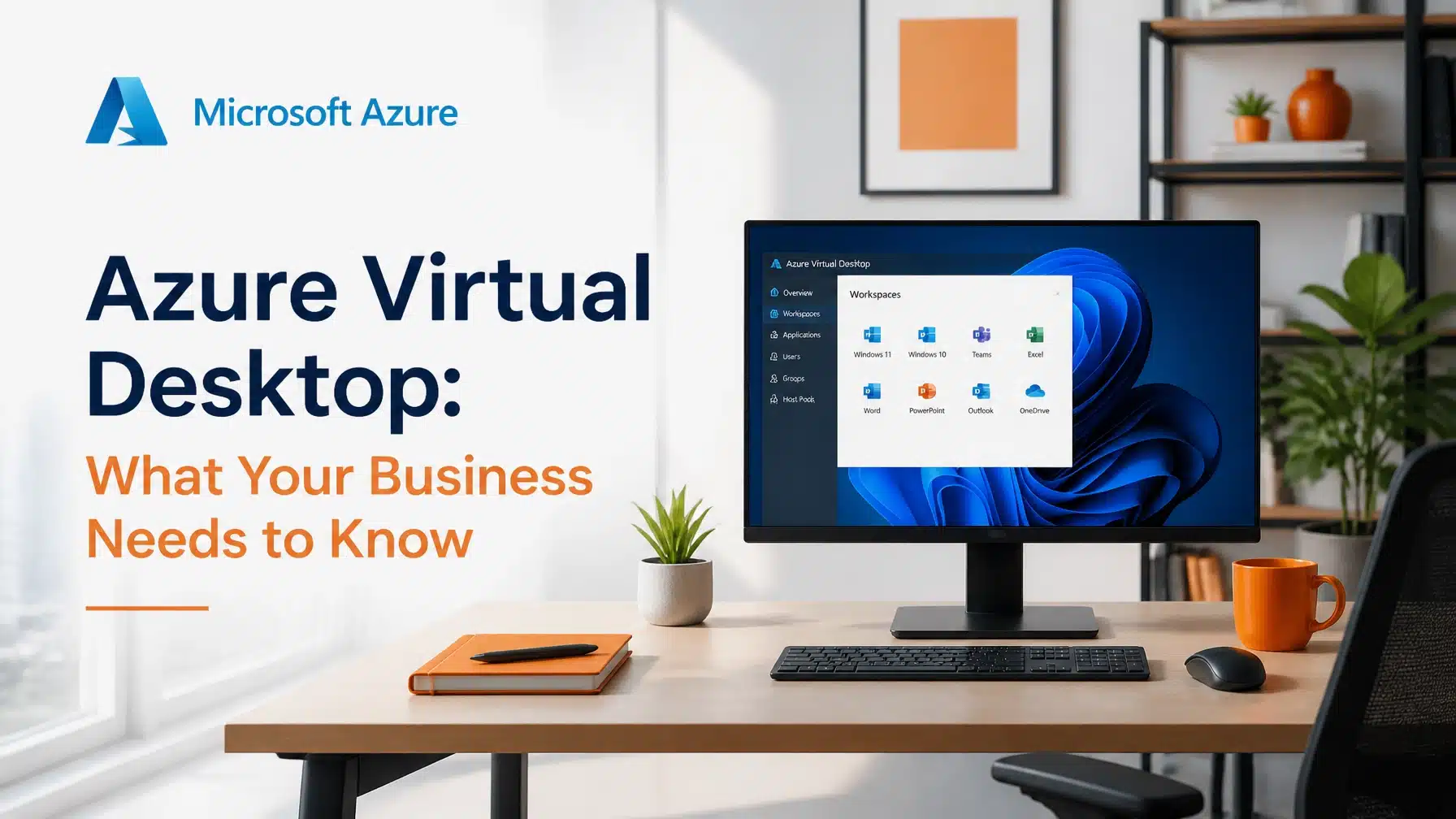
Azure Virtual Desktop: What Your Business Needs to Know
Updated 6/10/2026
Modern businesses require flexibility and security to thrive in a distributed work environment. Azure Virtual Desktop (AVD) provides a comprehensive solution by delivering virtualized Windows 10 and 11 desktops and applications to any device. Consequently, your team can remain productive from the office, a construction site, or a home office without compromising sensitive data.
Are you looking to reduce IT complexity while improving performance? Azure Virtual Desktop offers unique capabilities like multi-session Windows 11 and deep integration with Microsoft 365. These features allow organizations to scale resources efficiently and lower operational costs. According to recent research, unoptimized cloud environments can exceed budgets by 40% to 60%, making a strategic deployment essential for financial health. Source: Gartner/ESG.
Terminal B, your premier Microsoft Security Solution Partner in Central Texas, helps organizations navigate this transition. We ensure your cloud infrastructure aligns with your business goals while maintaining the highest security standards. In this guide, we will explore the core azure virtual desktop benefits and how they transform modern business operations.
The Evolution of the Virtual Workspace
Traditional Virtual Desktop Infrastructure (VDI) often required significant upfront investments in hardware and complex management. However, the shift to cloud-based solutions has simplified this process. Azure Virtual Desktop removes the need for on-premises servers by hosting everything in the Microsoft cloud.
This transition allows IT teams to focus on user experience rather than hardware maintenance. Moreover, AVD supports various deployment models, including pooled and personal desktops. A pooled model allows multiple users to share resources, which maximizes efficiency. Conversely, personal desktops provide dedicated resources for high-performance tasks.
As a result, organizations can tailor their virtual environment to meet specific departmental needs. For instance, your accounting team might use a shared pool for standard tasks. Meanwhile, your engineering team might require dedicated virtual machines for resource-intensive CAD software.
Top Azure Virtual Desktop Benefits for Modern Organizations
Understanding the primary azure virtual desktop benefits is crucial for making an informed investment. This platform goes beyond simple remote access by offering a robust ecosystem for growth and security.
1. Exceptional Cost Efficiency through Multi-session Windows
One of the most significant advantages of AVD is Windows multi-session capability. Historically, VDI required a single virtual machine for every individual user. This model led to high costs and wasted resources during idle periods.
Azure Virtual Desktop changes this dynamic by allowing multiple concurrent users on a single virtual machine. Consequently, you can drastically reduce the number of virtual machines in your environment. This efficiency directly translates to lower compute costs on your monthly Azure bill. Furthermore, you can utilize existing Microsoft 365 licenses to avoid additional licensing fees.
2. Robust Security and Compliance with Entra ID
Security remains a top priority for organizations in Texas and beyond. Microsoft invests heavily in its security infrastructure, employing over 34,000 engineers dedicated to protecting the platform. AVD leverages these resources by integrating directly with Microsoft Entra ID (formerly Azure AD).
By utilizing Entra ID, you can implement Multi-Factor Authentication (MFA) and Conditional Access policies. These tools ensure that only authorized users on compliant devices can access your corporate network. Additionally, AVD keeps data off local endpoints. If an employee loses a laptop, your sensitive business information remains secure in the cloud rather than on the device hard drive.

3. Seamless Integration with Microsoft 365
Productivity suffers when tools do not work together. Fortunately, AVD provides the best possible experience for Microsoft 365 Apps and Teams. Because the virtual desktops live in the same data centers as the Microsoft 365 service, latency is significantly reduced.
Users experience fast load times for Outlook, Excel, and Word. Microsoft Teams also benefits from specialized media optimization. This technology ensures that video calls and audio remain clear even within a virtualized environment. Consequently, your remote workforce feels as connected as if they were sitting in the same office.
4. Simplified Management and Scalability
Managing a fleet of physical computers is time-consuming and prone to errors. Azure Virtual Desktop simplifies this by centralizing management within the Azure portal. Your IT team can deploy updates, manage applications, and scale resources from a single dashboard.
When your business grows, AVD scales with you. You can add new users in minutes rather than waiting weeks for hardware shipments. This agility is vital for companies in fast-paced industries like high tech and venture capital. Furthermore, autoscaling features allow your environment to shrink during off-hours, further optimizing your spend.
Industry-Specific Applications of AVD
Every industry faces unique IT challenges. AVD is a versatile tool that addresses these specific needs across various sectors in Texas.
High-Performance Computing for Construction and High Tech
Construction firms often struggle with providing remote access to large architectural files and CAD software. Traditional remote desktop solutions often lack the performance needed for these tasks. However, AVD supports GPU-accelerated virtual machines.
This capability allows project managers and engineers to review complex blueprints from a mobile trailer or a client site. By hosting the data in Azure, everyone works from the “golden image” of the project. This centralized approach reduces version control issues and accelerates project timelines.
Secure Patient Portals for Healthcare
Healthcare organizations must adhere to strict HIPAA regulations. Protecting Patient Health Information (PHI) is non-negotiable. AVD helps healthcare providers maintain compliance by providing a secure, audited environment for accessing electronic health records (EHR).
Medical professionals can use tablets or thin clients to access patient data securely. Because the data never leaves the Azure environment, the risk of a breach at the endpoint is minimized. Additionally, Microsoft maintains over 100 compliance certifications, providing a solid foundation for your regulatory requirements.

Optimizing Your AVD Deployment
While the azure virtual desktop benefits are clear, a successful deployment requires careful planning. Many organizations struggle with “cloud sprawl” or high costs due to improper configuration. Partnering with an expert can prevent these common pitfalls.
As a Microsoft Security Solution Partner, Terminal B focuses on creating efficient, secure, and cost-effective cloud environments. We analyze your current workload and design an AVD strategy that fits your specific needs. Our proactive Skytivity Sys Admin Services ensure your environment remains optimized as your business evolves.
> “Organizations that fail to optimize their cloud desktop environments often see their bills rise by nearly 60% due to idle resources. Strategic management is the difference between a successful digital transformation and a financial burden.” , IT Strategy Expert
We implement advanced features like FSLogix for profile management. This technology ensures that user profiles load quickly, regardless of which virtual machine they sign into. We also help you utilize Azure Savings Plans and Reserved Instances to lock in the lowest possible rates for your compute needs.
Why Local Expertise Matters
Choosing a partner who understands the Texas business landscape provides a distinct advantage. Terminal B is locally owned and operated. We serve businesses in Austin, San Antonio, and beyond with a personal touch that private-equity-backed firms cannot match.
Our team understands the local regulatory environment and the specific needs of Texas industries. Whether you are a startup in the Silicon Hills or a construction firm in the Hill Country, we provide the localized support you need to succeed. Our Managed IT Services are designed to offload IT complexity so you can focus on your core mission.

Conclusion: Start Your Strategy Session
Azure Virtual Desktop is more than just a remote work tool. It is a strategic platform that enhances security, reduces costs, and drives business growth. By leveraging the power of the Microsoft cloud, your organization can stay ahead of the competition and respond quickly to market changes.
Don’t let IT complexity hold your business back. Let the experts at Terminal B help you unlock the full potential of your cloud investment. We will work with you to design a solution that provides the best azure virtual desktop benefits for your unique situation.
Are you ready to modernize your workspace? Contact Terminal B today to schedule a strategy session. Let’s discuss how Azure Virtual Desktop can transform your IT infrastructure.
Frequently Asked Questions
What is the difference between Azure Virtual Desktop and Windows 365?
Azure Virtual Desktop offers maximum flexibility and configuration options, making it ideal for organizations with complex requirements. It uses consumption-based pricing. Conversely, Windows 365 provides a simplified, “fixed-price” Cloud PC experience that is easier to manage but offers less granular control over the underlying infrastructure.
Does Azure Virtual Desktop support Multi-Factor Authentication (MFA)?
Yes, AVD integrates seamlessly with Microsoft Entra ID to support MFA. We highly recommend enabling MFA for all users to provide a critical layer of security. This ensures that a compromised password alone is not enough for an attacker to gain access to your environment.
Can I run specialized software like AutoCAD on AVD?
Absolutely. Azure offers specialized Virtual Machine (VM) sizes equipped with powerful GPUs. These are specifically designed to handle high-performance workloads like 3D modeling, video editing, and CAD applications. This allows your team to perform intensive tasks from almost any device with an internet connection.
How does AVD help with HIPAA compliance?
AVD assists with HIPAA compliance by keeping sensitive patient data within the secure Azure cloud rather than on local devices. It also provides robust logging and auditing capabilities. When combined with the proper security policies and a Business Associate Agreement (BAA) with Microsoft, AVD is an excellent solution for healthcare providers.
Is Azure Virtual Desktop expensive?
The cost of AVD depends on your usage and how well the environment is optimized. By using features like multi-session Windows and autoscaling, you can make AVD very cost-effective. Partnering with a Microsoft Security Solution Partner like Terminal B ensures you are not overpaying for unused resources.
About the Author: Greg Bibeau
Greg Bibeau is the Founder and CEO of Terminal B, the premiere Managed IT Service Provider in Central Texas. With 3 decades of experience in the IT industry, Greg has helped hundreds of organizations simplify their technology and achieve strategic growth. Under his leadership, Terminal B has become a trusted partner for businesses seeking expert guidance in cloud solutions and cybersecurity.
Related Posts