Modern organizations often treat technology as a separate department rather than a strategic engine. This…
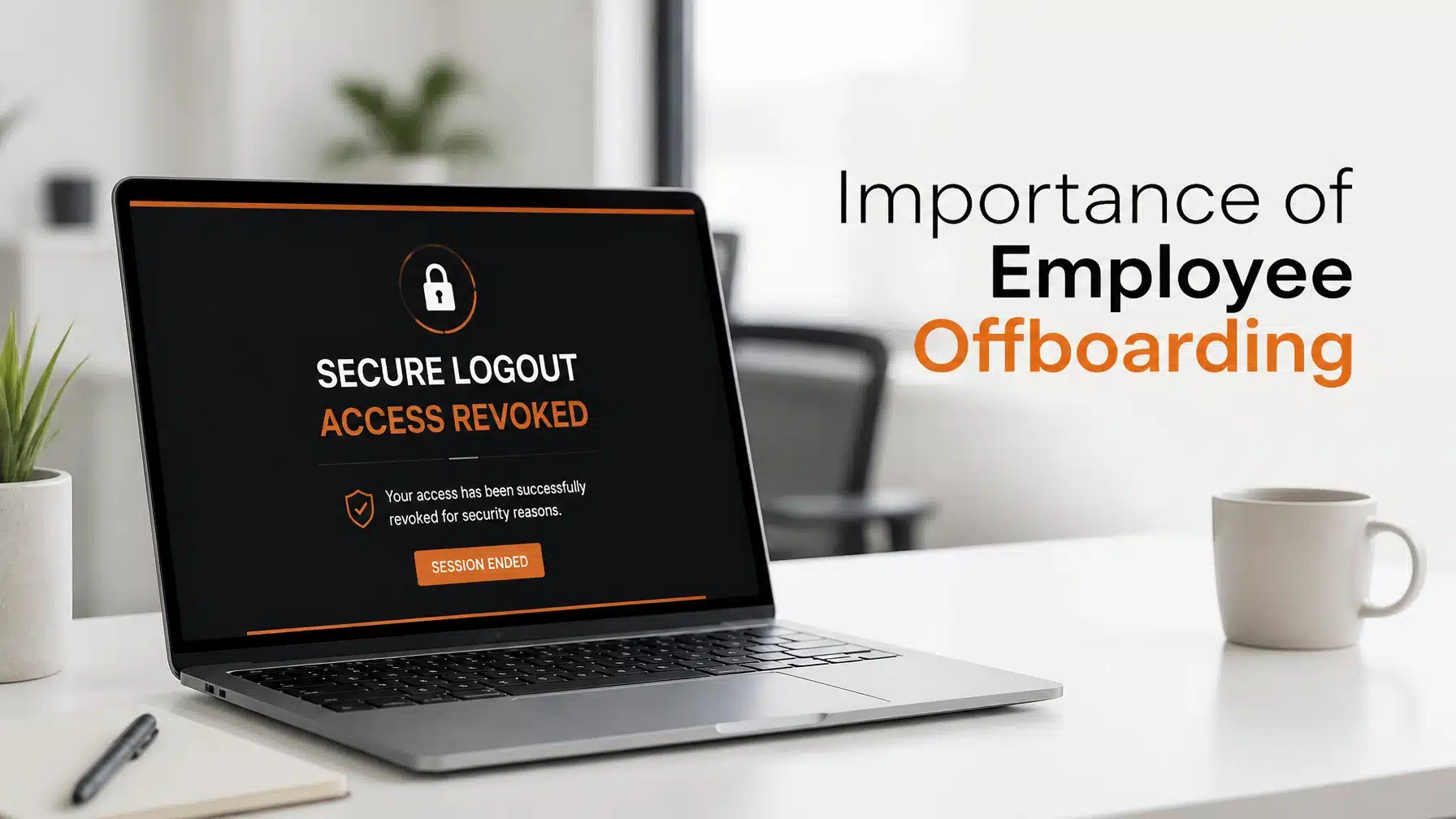
The Importance of Proper Off-Boarding
Updated: 7/10/2026
Employee transitions are a natural part of every growing organization. However, many business owners overlook the critical security risks that occur when a staff member departs. The importance of employee offboarding has shifted from a simple HR paperwork task to a high-stakes IT security control. In a landscape defined by hybrid work and rapid cloud adoption, failing to revoke access quickly can lead to catastrophic data loss.
Recent industry data highlights the scale of this vulnerability. According to research from CheckFlow and Forbes, 59% of companies have experienced a data breach specifically attributable to poor offboarding processes. When an employee leaves, they often take more than just their personal belongings. Without a structured IT checklist, they may retain access to sensitive client data, internal strategy documents, and proprietary software for weeks or months.
This guide explores why a proactive offboarding strategy is essential for your organization. We will break down the security risks, financial implications, and the precise steps you must take to protect your digital perimeter. As a Microsoft Security Solution Partner, Terminal B understands that your people are your greatest asset, but their departure represents your most significant technical liability.
Why IT Offboarding Security is Mission-Critical
The “Access Gap” is the window of time between an employee’s final hour and the moment their digital identities are fully deactivated. This gap is where most security failures occur. Consequently, your IT team must prioritize speed and precision during every departure.
Preventing Malicious Data Exfiltration
Data theft is a major concern when an employee moves to a competitor. Research from Cyberhaven indicates a 720% spike in data exfiltration activity in the days leading up to an employee’s departure. This behavior often involves downloading client lists, proprietary code, or financial records to personal cloud storage.
If your organization lacks real-time monitoring, this theft may go unnoticed until the damage is done. A robust offboarding process includes auditing file activity logs immediately after a resignation is submitted. This proactive step helps you identify suspicious behavior before the individual loses system access.
Closing the “Access Gap”
Forgotten accounts are a goldmine for cybercriminals. Beyond Identity reports that 89% of ex-employees retain access to at least one corporate application after leaving their roles. These “zombie accounts” are frequently targeted by external hackers who use old credentials to bypass modern security measures.
Furthermore, many employees use the same password for multiple services. If a former staff member’s personal account is compromised, your corporate network becomes vulnerable. You must treat every active credential as a potential entry point for a ransomware attack.
Mitigating the $15M Insider Threat Risk
Insider threats are not always malicious. Sometimes, a former employee accidentally deletes files or shares a link from a personal device that still has sync permissions. Regardless of intent, the financial impact is devastating. The Ponemon Institute found that insider-threat incidents now cost an average of $15.38 million annually.
As a result, your security posture must include a layered defense. This involves removing access not just from primary email accounts, but also from secondary tools like Slack, Trello, and Zoom. Comprehensive deprovisioning is the only way to reduce this multi-million dollar risk.

The Financial Impact: Beyond Security
While security is the primary driver, the importance of employee offboarding also extends to your bottom line. Wasteful spending on unused licenses can silently drain your IT budget every month.
Reclaiming SaaS Licenses and Hardware
Modern businesses rely on dozens of subscription-based tools. When an employee leaves, their licenses often remain active and billed. This is particularly expensive with premium AI tools. For example, Microsoft 365 Copilot costs upwards of $30 per user every month. If you fail to reclaim these seats, you are essentially throwing money away.
Hardware recovery is another significant financial hurdle. Capterra and Newployee found that 41% of companies fail to collect all company-owned devices during the offboarding process. Laptops, tablets, and smartphones represent thousands of dollars in capital. Moreover, these devices often contain unencrypted local data that poses a massive security risk if left in the wild.
Maintaining Compliance
If your organization operates in a regulated industry, offboarding is a legal requirement. HIPAA, SOC 2, and the latest Texas Data Privacy laws require strict controls over who can access protected information. Auditors will frequently look at your offboarding logs to ensure that access was revoked within a specific timeframe (often 24 hours).
Failure to demonstrate a consistent offboarding process can result in heavy fines. It also damages your reputation with clients who trust you with their sensitive data. Terminal B specializes in compliance-heavy industries and helps ensure your IT processes meet these rigorous standards.

The 2026 IT Offboarding Checklist for Small Businesses
A successful offboarding process requires coordination between HR and IT. You should follow this checklist to ensure no stone is left unturned.
- Terminate Identity Access: Immediately disable the user in Entra ID (formerly Azure AD). Force a sign-out from all active sessions across all devices.
- Revoke Non-Human Identities: Do not forget about API keys, service tokens, and shared credentials. If the departing employee managed a specific integration, those keys must be rotated immediately.
- Wipe BYOD Devices via MDM: If the employee used a personal phone for work, use your Mobile Device Management (MDM) tool to perform a “selective wipe.” This removes corporate data without touching their personal photos or apps.
- Secure Hardware Recovery: Schedule a courier or a drop-off time for all physical assets. Once recovered, ensure the hardware is professionally wiped before being redeployed to a new hire.
- Redirect Communications: Set up email forwarding and auto-responders. Consequently, you will not miss important client communications or vendor invoices.
- Audit Final Activity: Review the last 30 days of file access and email logs. This ensures that no proprietary data was moved to personal storage locations.
Using automated deprovisioning workflows can significantly reduce the margin for human error. Many organizations now use automated tools to trigger these steps the moment HR updates the employee status in their management system.

How Terminal B Streamlines Your Offboarding Process
Managing the importance of employee offboarding can be overwhelming for internal teams. Terminal B offers a proactive approach through our Skytivity model. We act as your strategic partner to ensure your security perimeter remains intact during every staff transition.
As a Microsoft Security Solution Partner, we leverage the full power of the Microsoft 365 security suite. We implement automated workflows using Microsoft Intune and Entra ID to revoke access instantly. This reduces the “Access Gap” to seconds rather than days. Furthermore, our vCIO services provide long-term strategic planning to align your IT policies with your business goals.
We serve organizations across Texas and beyond, providing the precision and security required by high-growth firms. Whether you are in healthcare, finance, or construction, we help you offload IT complexity. This allows you to focus on your core business while we handle the technical heavy lifting.

Frequently Asked Questions
How long should it take to revoke IT access after an employee leaves?
Ideally, access should be revoked instantly. For most organizations, a window of 24 hours is the maximum acceptable time for security and compliance. Automated tools can help achieve near-instant deactivation.
What is the most common mistake in employee offboarding?
The most frequent error is failing to revoke access to “Shadow IT” or secondary apps that are not connected to the main corporate login. This includes social media accounts, specific vendor portals, or project management tools.
Should we delete an ex-employee’s email account immediately?
No, you should disable the account and convert it to a shared mailbox first. This allows you to monitor incoming messages and move important data to a new owner without paying for an active license.
How does MDM help with offboarding for remote employees?
Mobile Device Management (MDM) allows you to remotely lock or wipe corporate data from a device even if the employee is hundreds of miles away. It is an essential tool for securing the modern hybrid workforce.
Protect Your Organization with a Strategy Session
Don’t wait for a data breach to occur before addressing your offboarding gaps. Securing your business requires a proactive and layered approach to IT management. Terminal B is ready to help you build a resilient security culture that protects your data and your bottom line.
Ready to secure your employee transitions? Schedule a strategy session with Terminal B today to discover how our Skytivity model can simplify your IT and fortify your security.
Related Posts